
Turn ordinary menu shots into delivery-ready photos
Delivery apps are scanned fast. MenuPhotoAI makes your dishes brighter, cleaner, and easier to notice in about 30 seconds, so more people stop, click, and order.
Free to try · No credit card · See the transformation
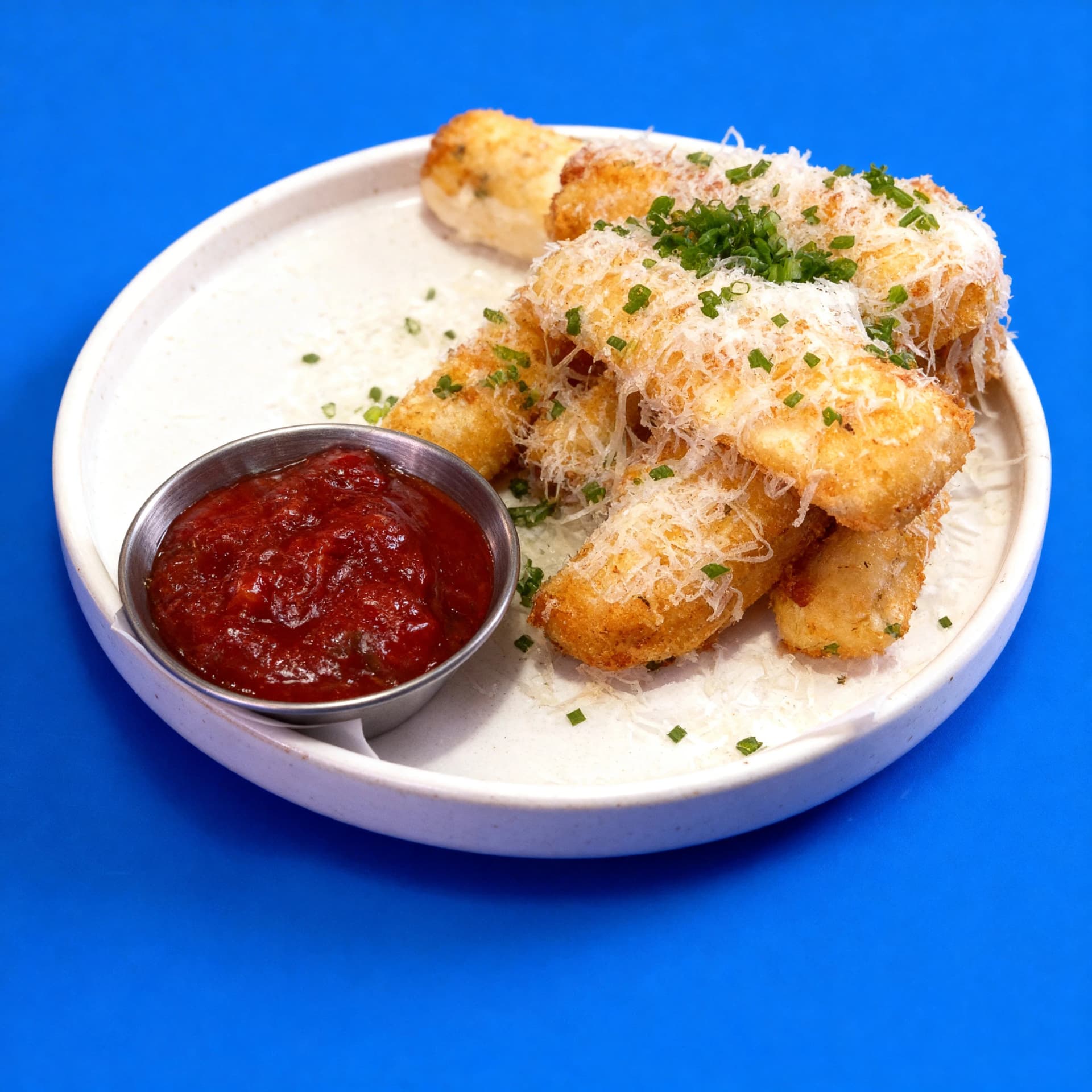 Delivery-ready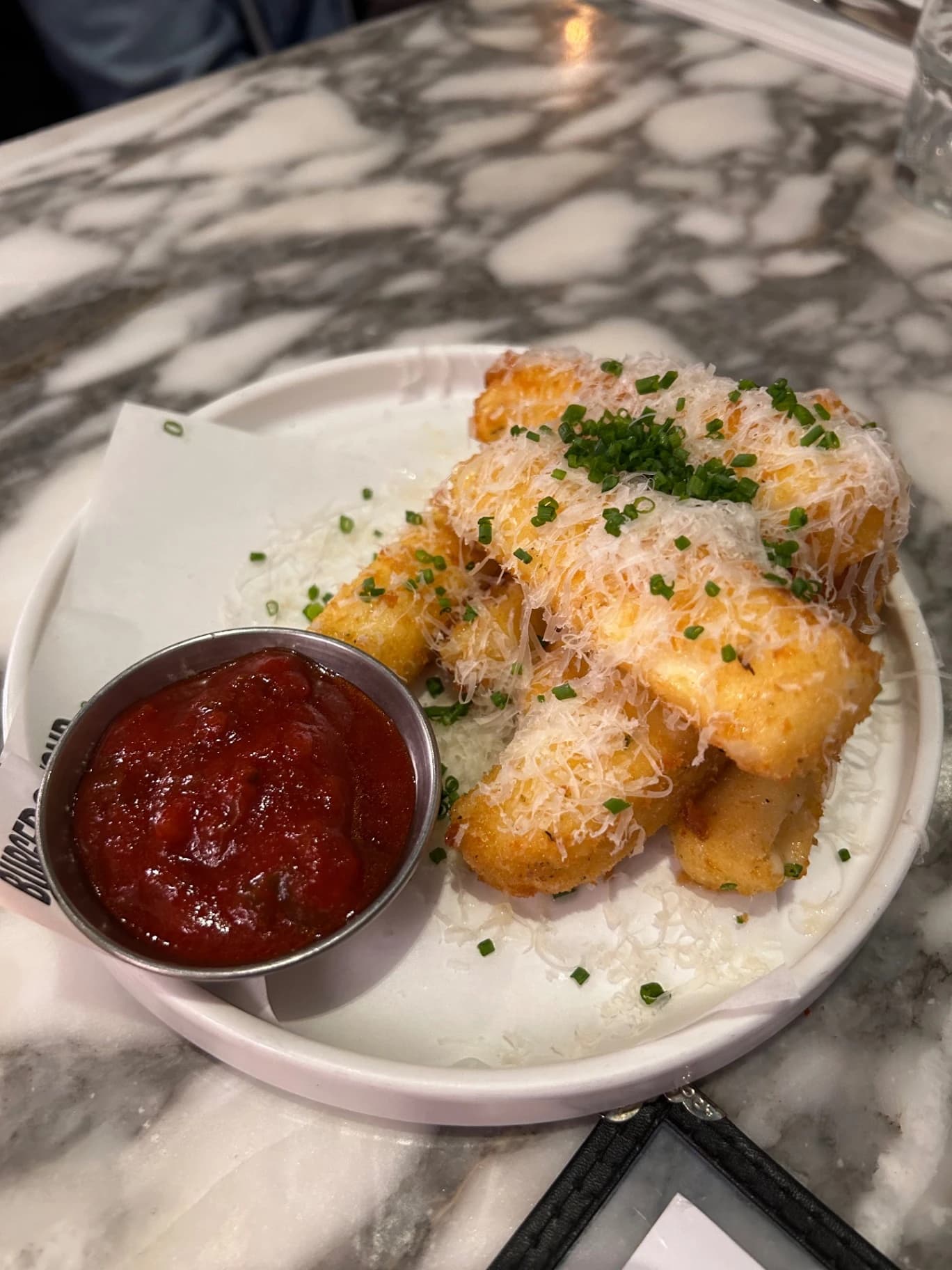
Your photo
See the full delivery-photo transformation
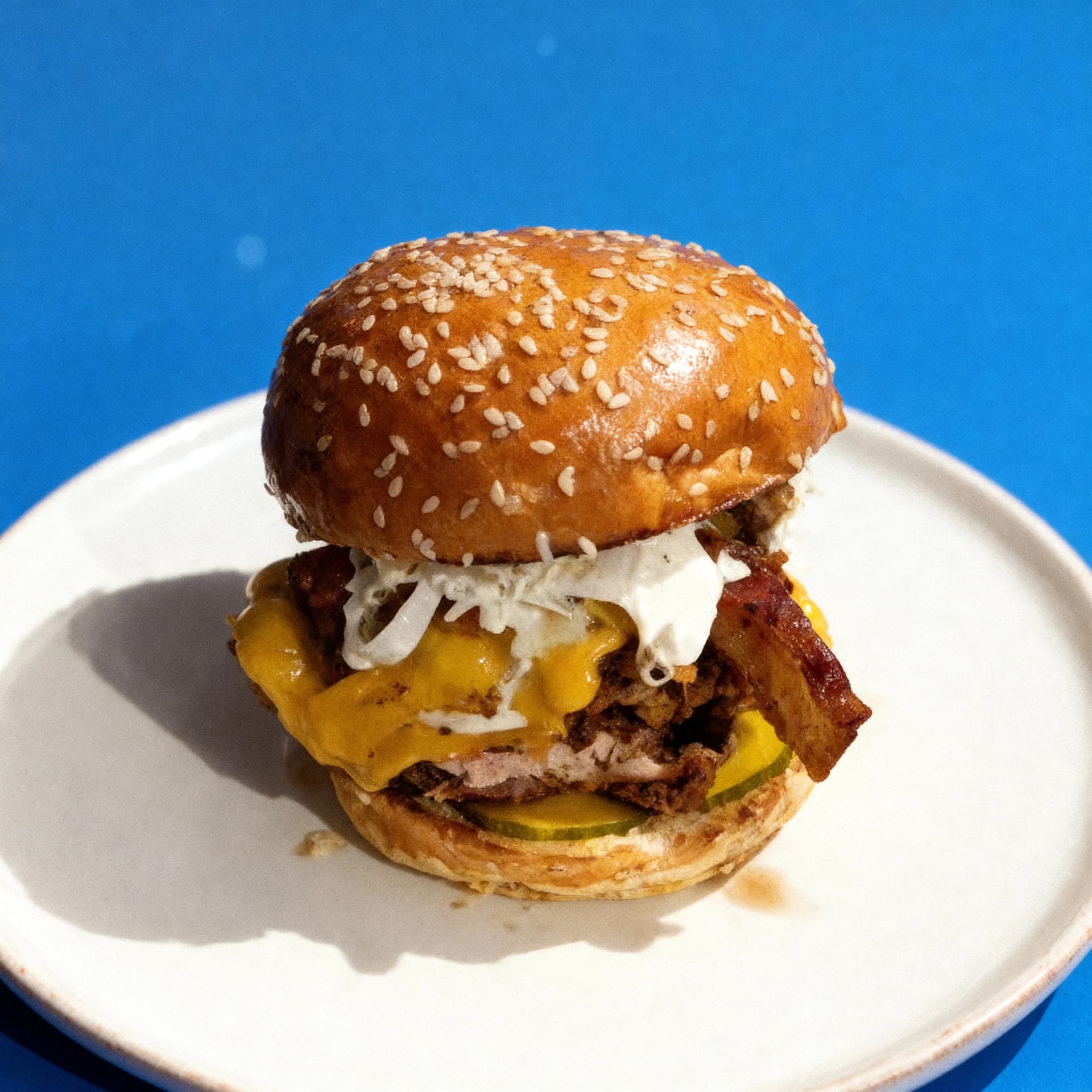
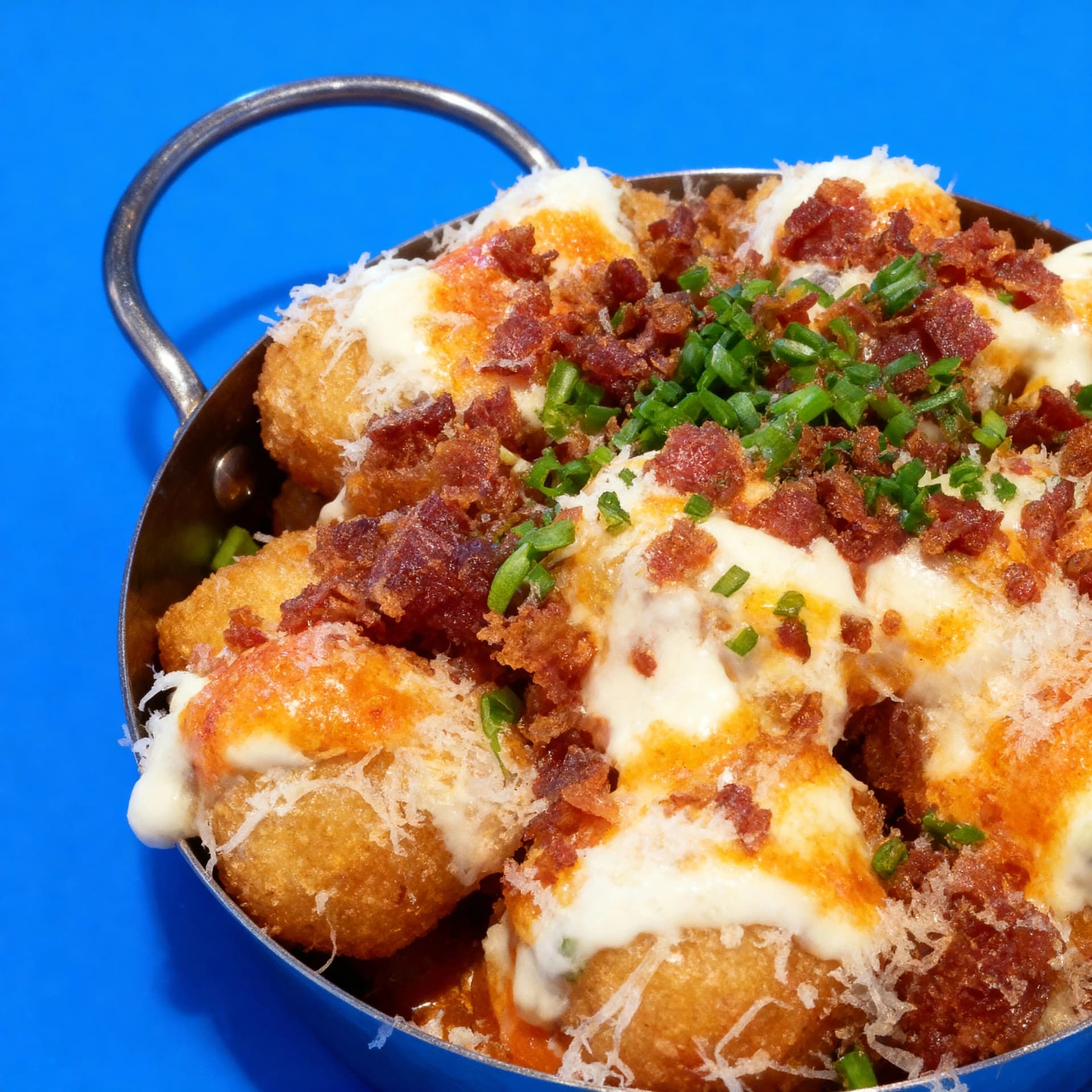
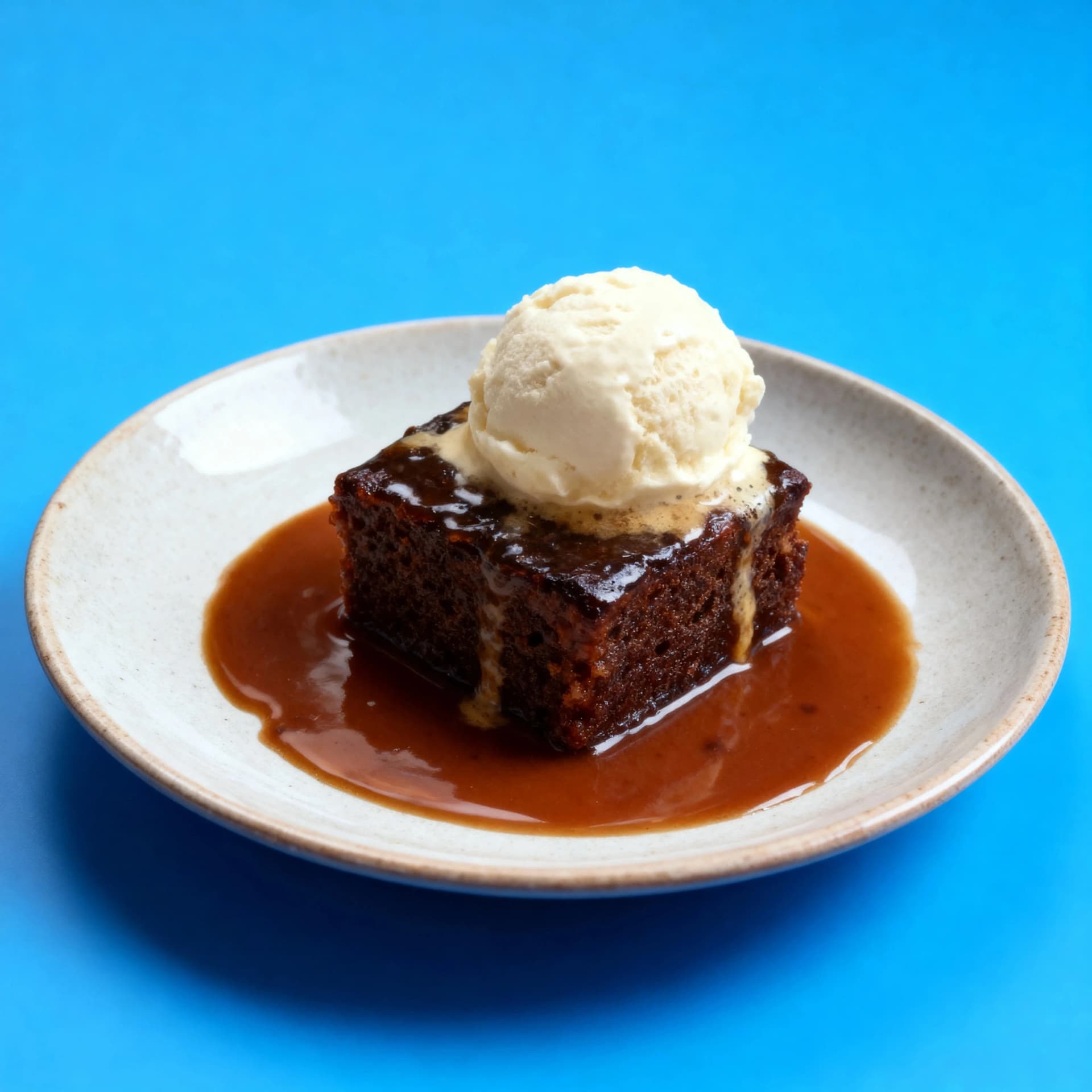
The same dishes can look flat and forgettable before optimisation, then bright, clean, and clickable once they are prepared for delivery app listings.
Mozzarella Sticks
$11
Loaded Fries
$12
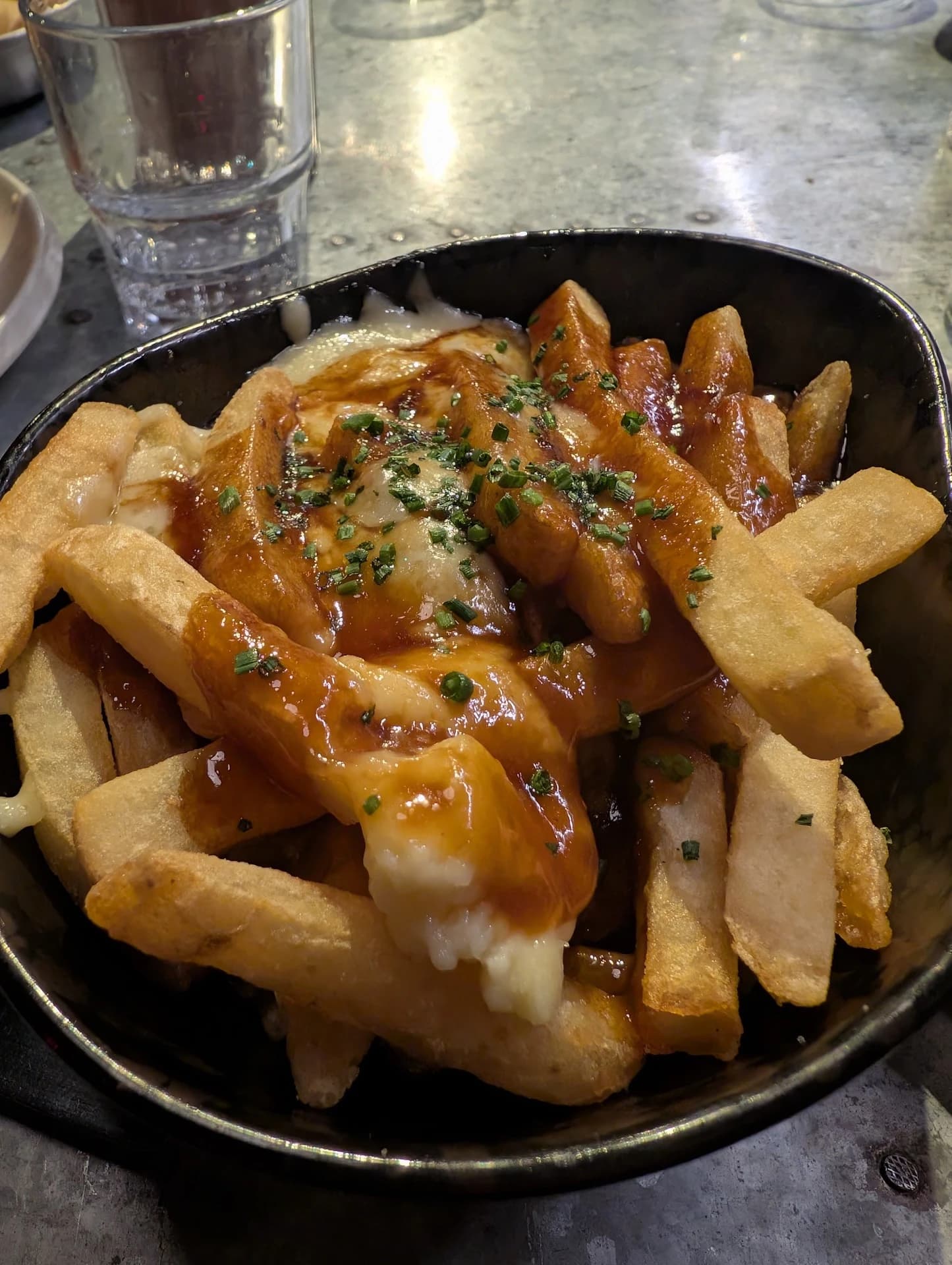
Bacon Cheeseburger
$19
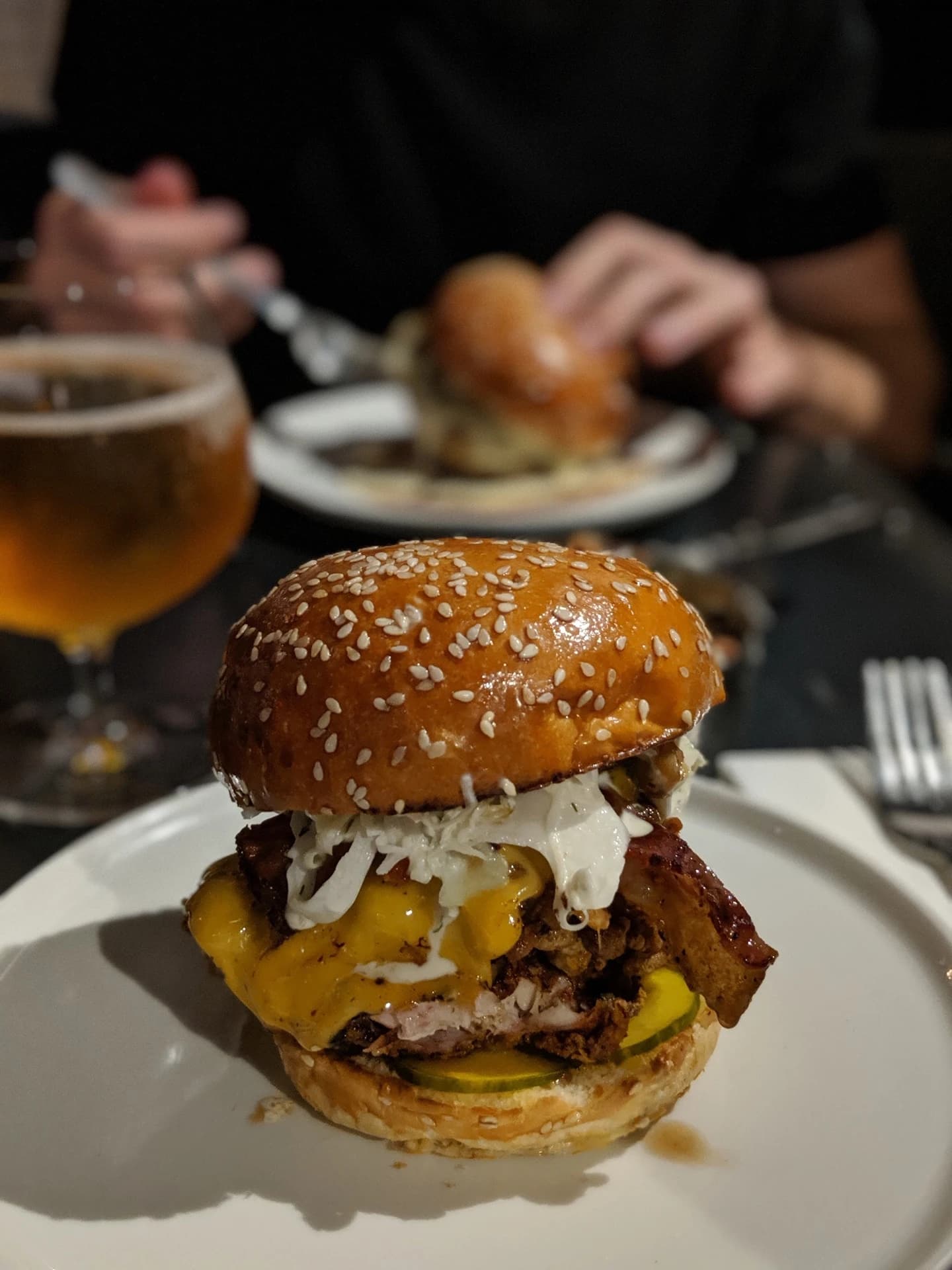
Double Cheeseburger
$18
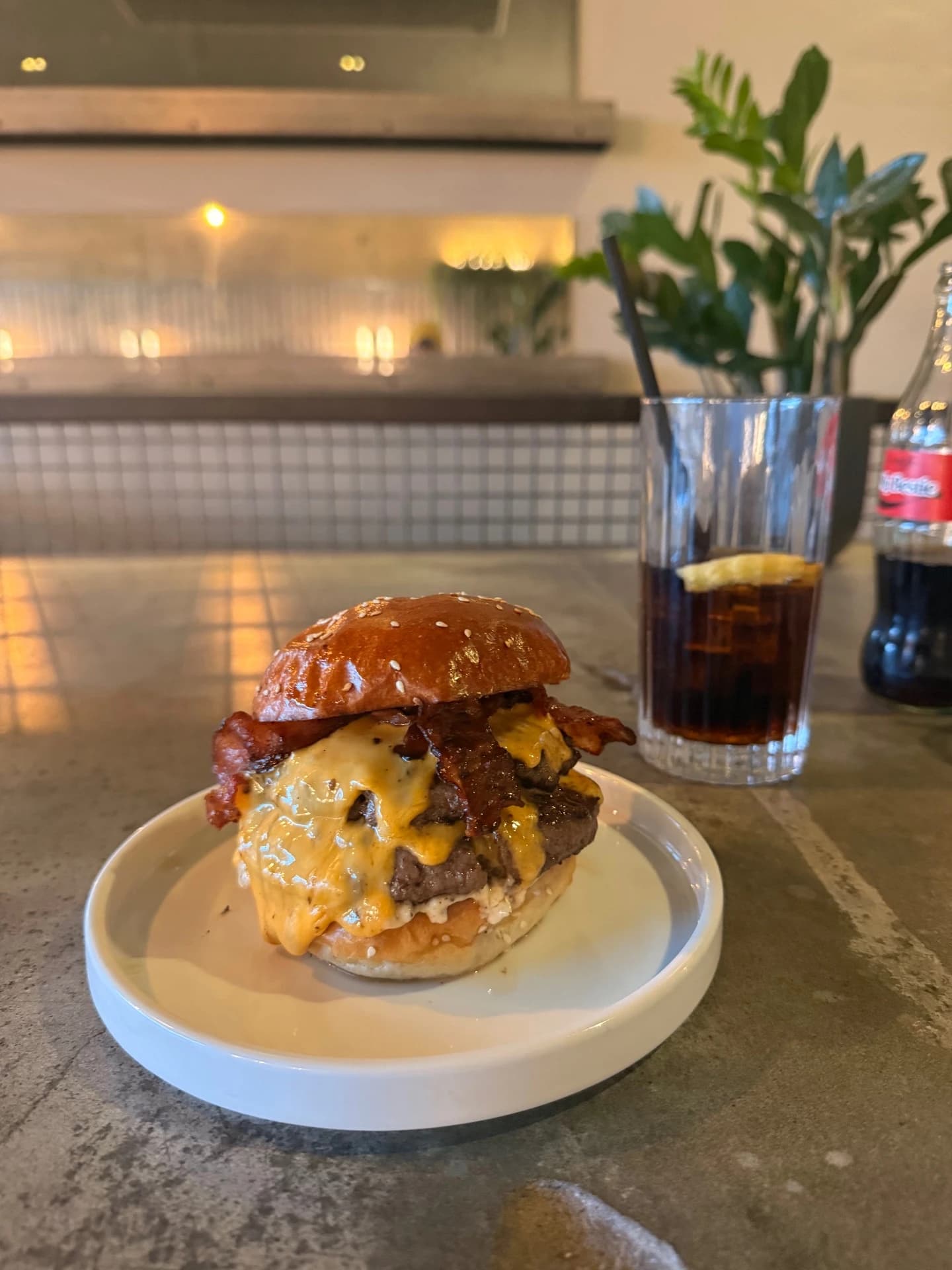
Loaded Tater Tots
$10
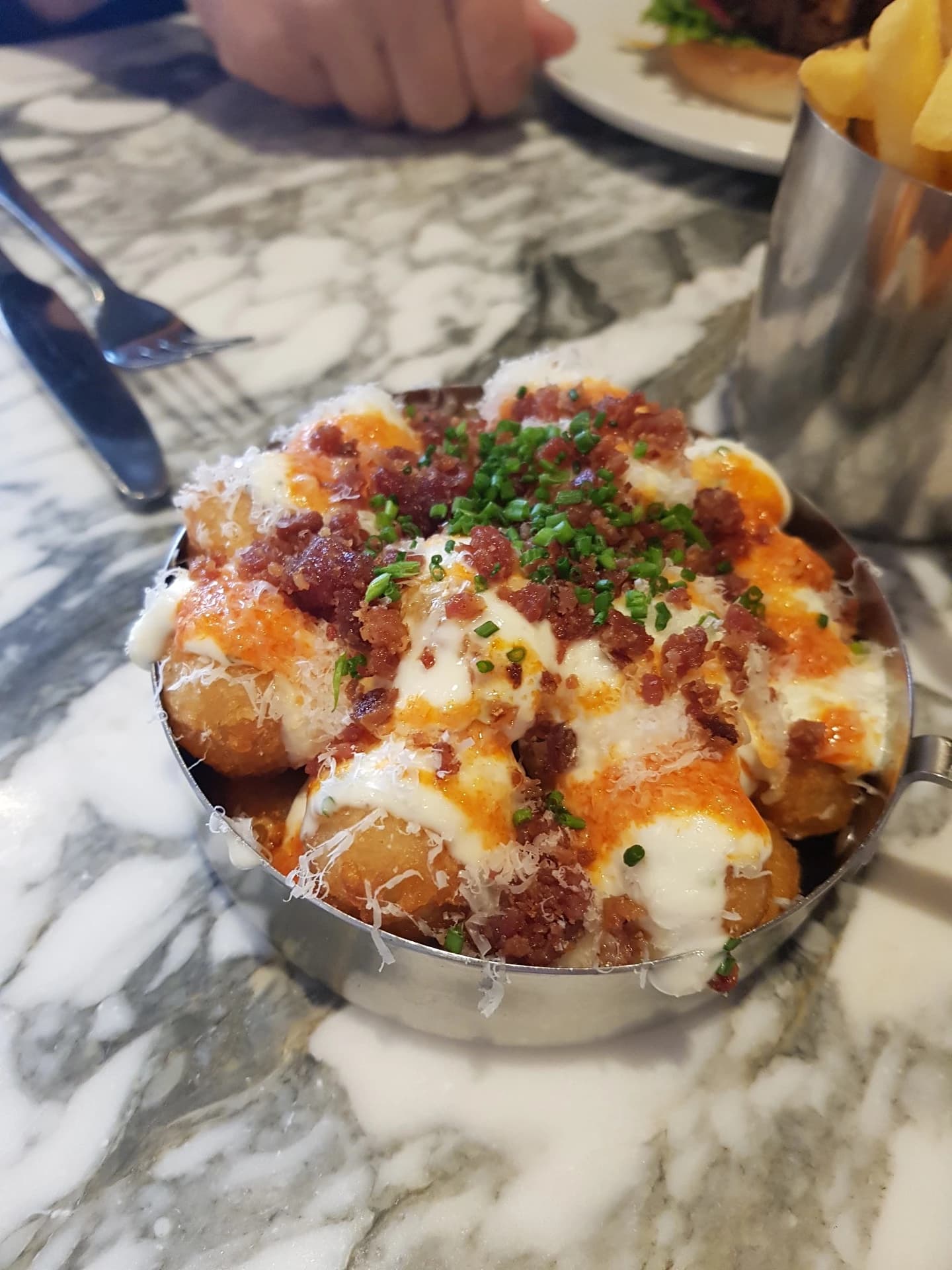
Sticky Toffee Pudding
$10
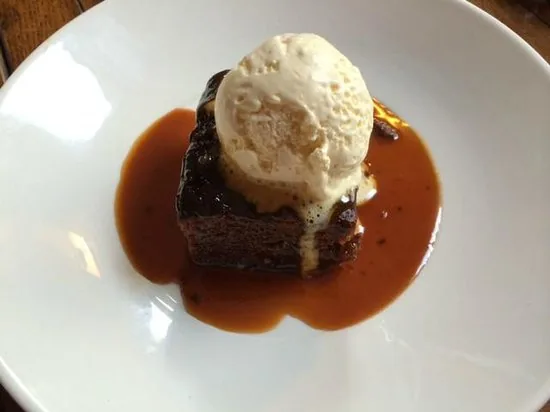
Mozzarella Sticks
$11
Loaded Fries
$12
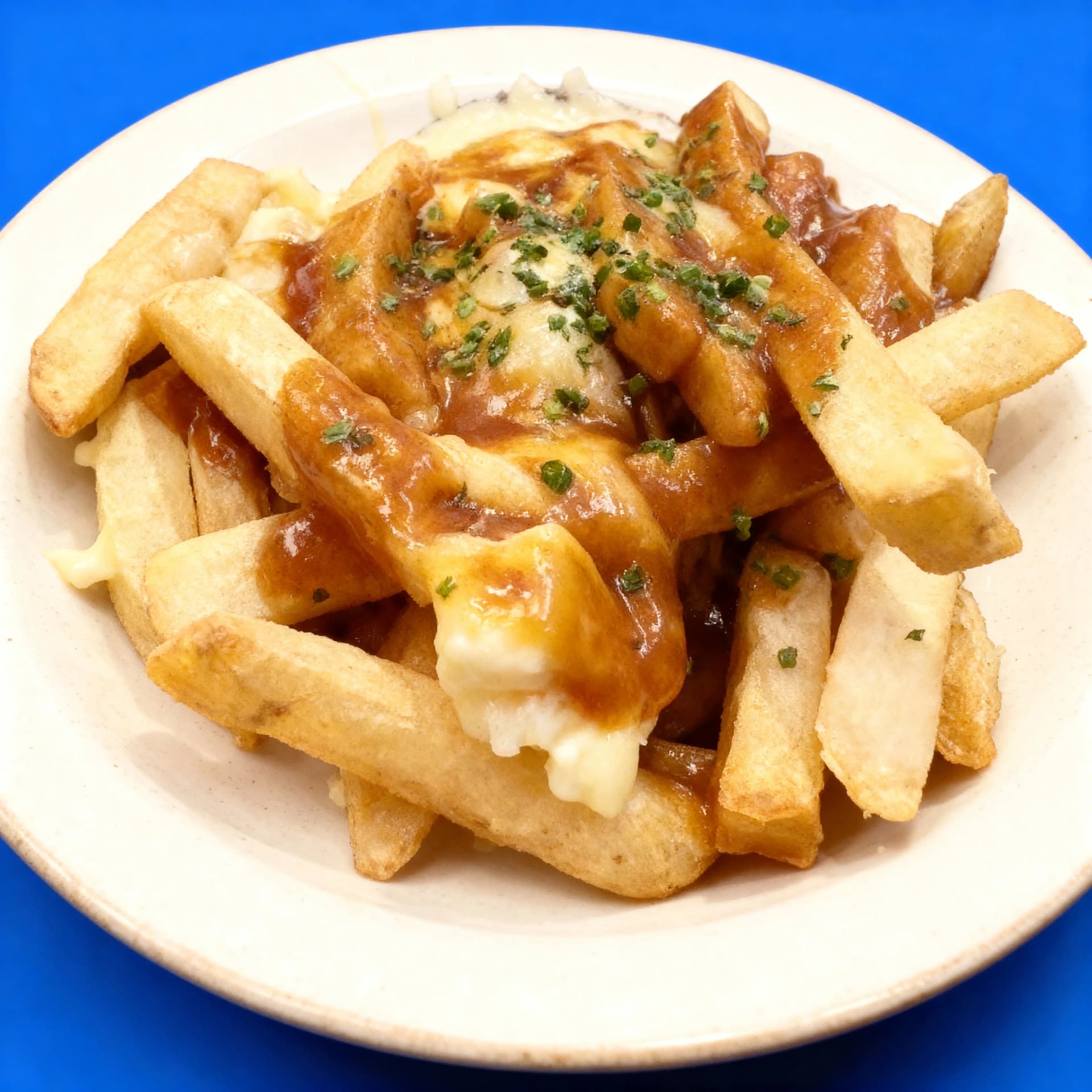
Bacon Cheeseburger
$19
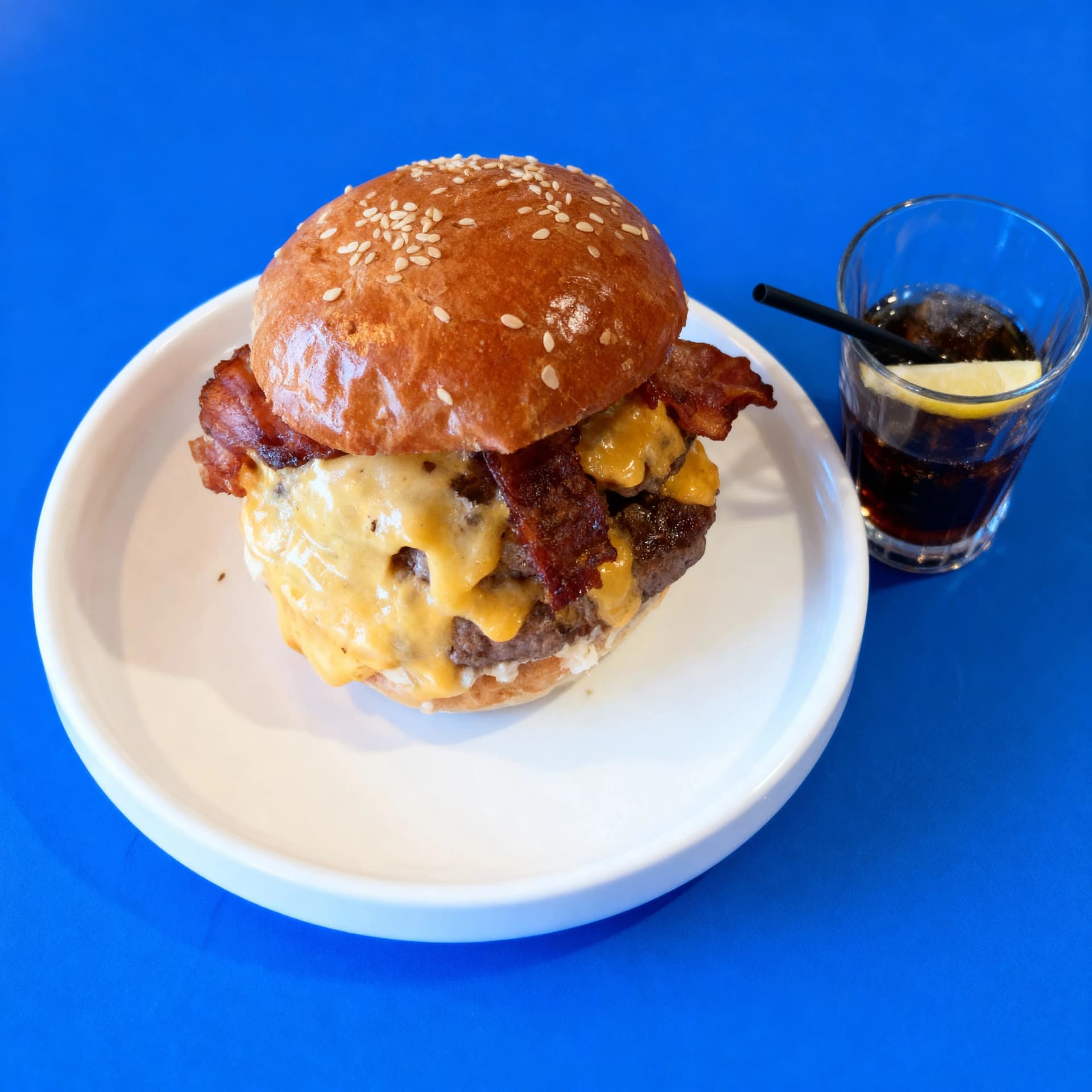
Double Cheeseburger
$18
Loaded Tater Tots
$10
Sticky Toffee Pudding
$10
5 free credits when you sign up. Each photo costs one credit.
Better than generic photo enhancement
Standard enhancement makes a photo look better. Delivery mode makes it perform better where customers actually see it: small, fast-scrolling app listings.
Standard enhancement
Improves the photo generally, but does not specifically optimise how it will perform in delivery app grids.
Delivery mode
Tunes brightness, contrast, and background simplicity for small-screen browsing where customers decide in seconds.
Three steps to delivery-ready photos
Upload your dish photo
A phone snapshot is fine. The AI works with imperfect delivery-menu source photos.
Choose Delivery mode
MenuPhotoAI adjusts the image for brighter colour, cleaner framing, and stronger thumbnail impact.
Upload everywhere
Download the result and use it on Uber Eats, DoorDash, Deliveroo, GrubHub, or Just Eat.
Delivery photo advice for every major platform
Selling on a specific platform? Each guide covers what that app rewards: framing, lighting, and listing details for Uber Eats, DoorDash, Deliveroo, GrubHub, and Just Eat.
Uber Eats food photos
Learn what works for Uber Eats thumbnails, menu listings, and restaurant profile images.
DoorDash food photography
See how DoorDash menu photos should be framed, lit, and prepared for small-screen browsing.
Deliveroo photos
Improve Deliveroo photos with cleaner backgrounds, stronger contrast, and more visual consistency.
GrubHub food photos
Review GrubHub-specific food photo guidance and delivery listing best practices.
Just Eat food photography
Optimise Just Eat menu photos so dishes are easier to notice and compare in app results.
Here's what restaurant owners are saying
Real photos, real kitchens, real results.
“I was skeptical but it actually doesn't change the food at all - just makes the lighting and background look professional. My tacos still look like my tacos.”
Rosa M.
Rosa's Tacos
“My phone photos were trash. Bad lighting, messy background. Now they look like I hired someone. Customers are ordering more since I updated my photos.”
J. Kim
Seoul Street Eats
“As a small bakery we can't compete with big chains on marketing budget. But now our photos look just as good as theirs. Finally feel like we can compete.”
Lisa
Sweet Things Bakery
“Honestly saved my ass. We were quoted $600 for a photoshoot and I just couldn't afford it as a new business. This works just as well.”
Miguel
Libre Tacos
“I was skeptical but it actually doesn't change the food at all - just makes the lighting and background look professional. My tacos still look like my tacos.”
Rosa M.
Rosa's Tacos
“My phone photos were trash. Bad lighting, messy background. Now they look like I hired someone. Customers are ordering more since I updated my photos.”
J. Kim
Seoul Street Eats
“As a small bakery we can't compete with big chains on marketing budget. But now our photos look just as good as theirs. Finally feel like we can compete.”
Lisa
Sweet Things Bakery
“Honestly saved my ass. We were quoted $600 for a photoshoot and I just couldn't afford it as a new business. This works just as well.”
Miguel
Libre Tacos
“The detail in the enhanced images is simply incredible.”
Francis D.
Dough Man Foods
“Customers actually comment on how appetizing our food looks on DoorDash now.”
Jen K.
K's Kitchen
“The variety of styles is great. I can make my pasta dishes look rustic and homey, or my desserts look fancy. Fits whatever vibe I'm going for.”
Anthony Rossi
Nonna Maria's
“It completely cleaned up our blurry phone photos and made them look studio-quality. Amazing image enhancement!”
Sarah C.
Golden Wok
“The detail in the enhanced images is simply incredible.”
Francis D.
Dough Man Foods
“Customers actually comment on how appetizing our food looks on DoorDash now.”
Jen K.
K's Kitchen
“The variety of styles is great. I can make my pasta dishes look rustic and homey, or my desserts look fancy. Fits whatever vibe I'm going for.”
Anthony Rossi
Nonna Maria's
“It completely cleaned up our blurry phone photos and made them look studio-quality. Amazing image enhancement!”
Sarah C.
Golden Wok
Frequently asked questions
Ready to get more orders?
Upload your dish photos and get delivery-optimised results in about 30 seconds.
Optimise your photosNo credit card required
Related tools
- AI food ad generatorTurn a dish photo into a finished promotional ad with text rendered in.
- Menu style consistencyGive every dish on your menu one cohesive photographic look.
- AI food photo enhancerOne-click quality boost for real menu photos, authenticity preserved.
- AI food photo editorRetouch and fix photos you already have: lighting, background, and colour.