

AI Food Photo Editor: Fix Any Menu Photo
Upload a phone photo of a real dish. Get professional menu imagery in 30 seconds, ready for delivery apps, social, and your site. We enhance your actual food, never generate fake dishes.
Free to try · No credit card · Your real dishes, enhanced
Choose Your Photography Style
From moody fine dining to bright brunch vibes. Pick what fits your restaurant.


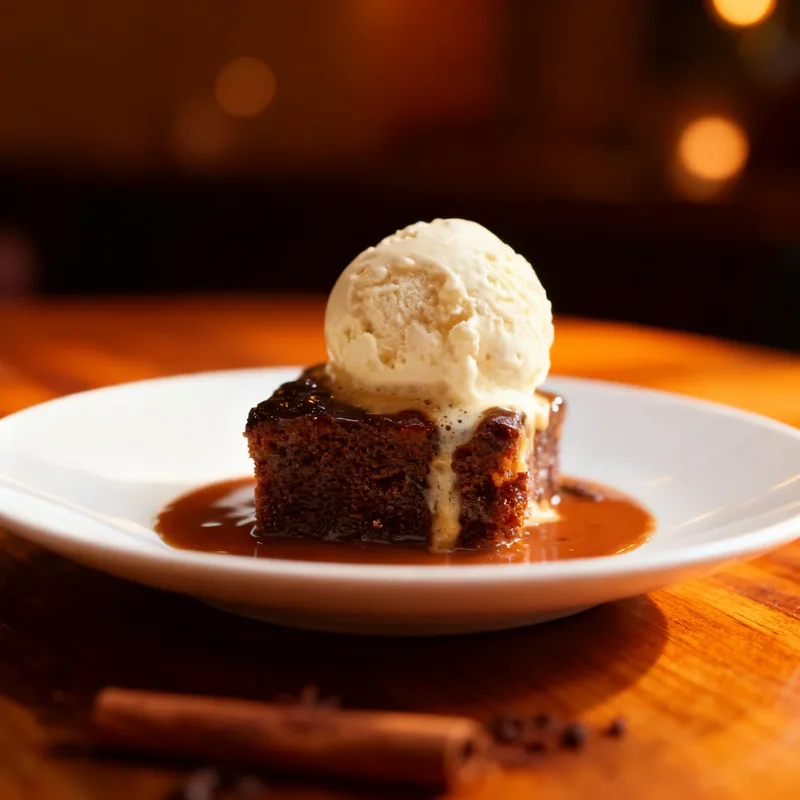
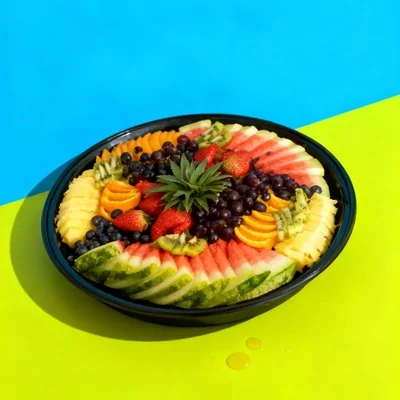
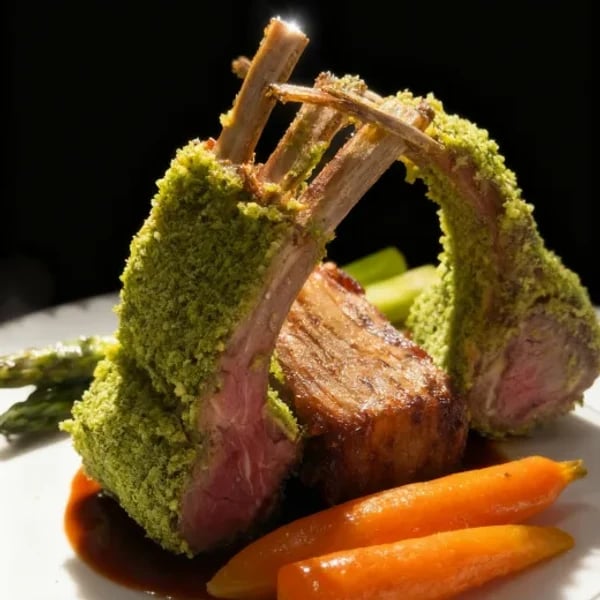
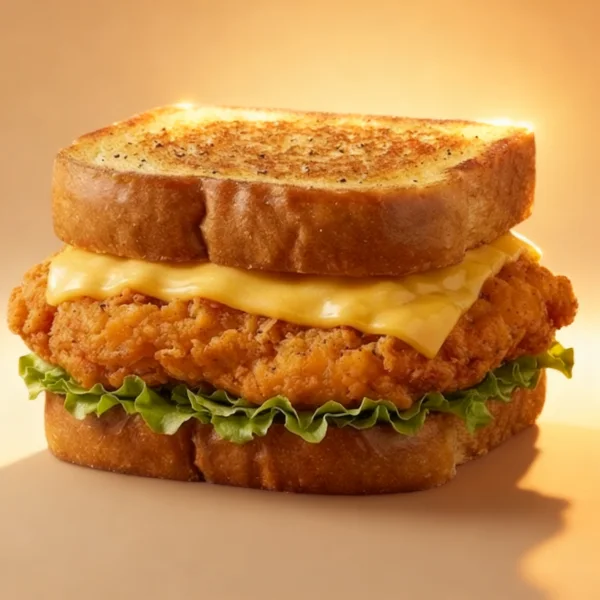
← Swipe to see more styles →
One photo. Five ways to use it.
Every mode turns the same dish photo into a different asset for your restaurant.
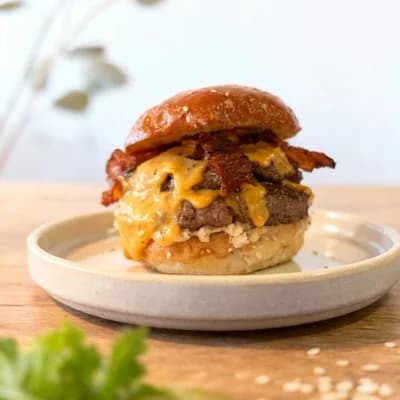
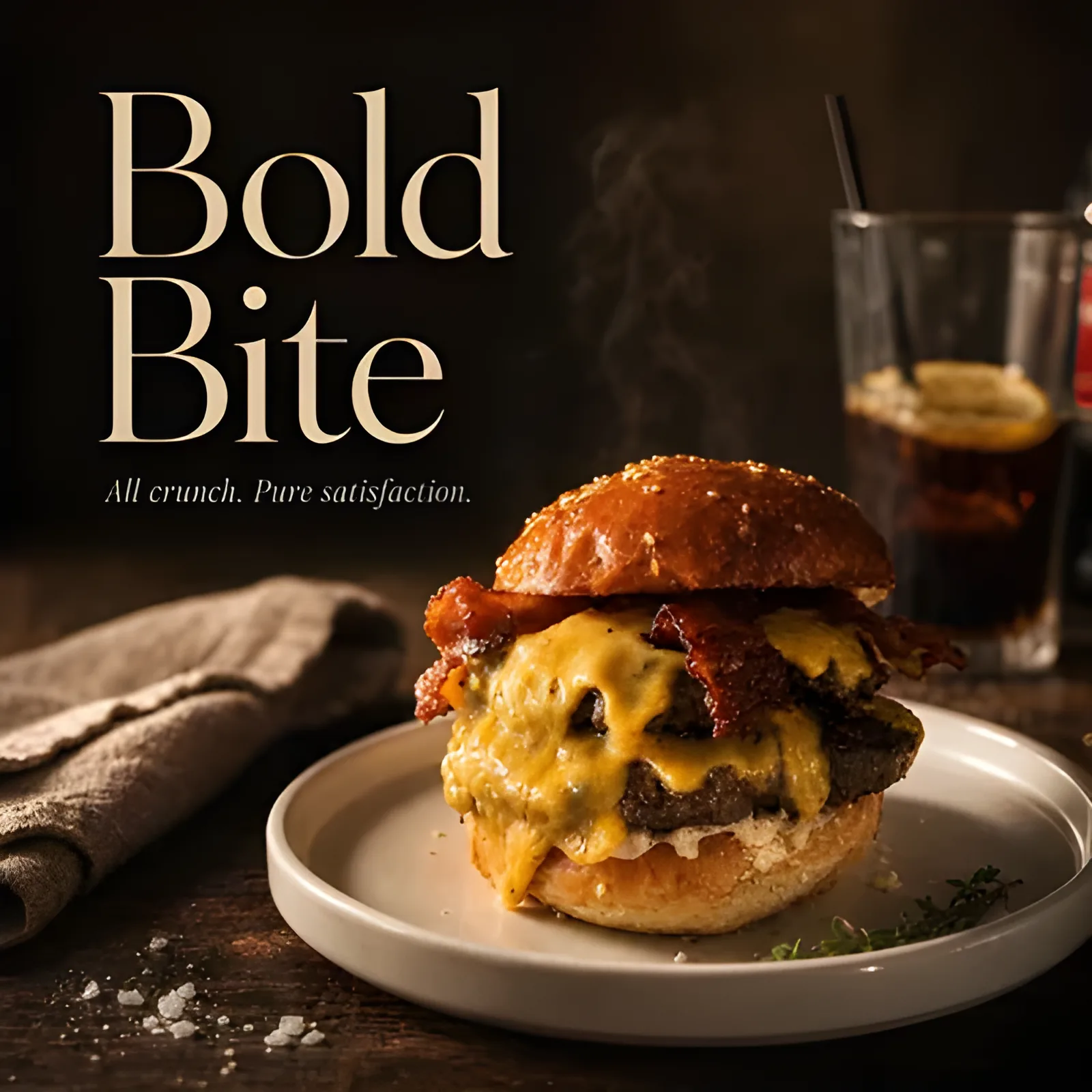
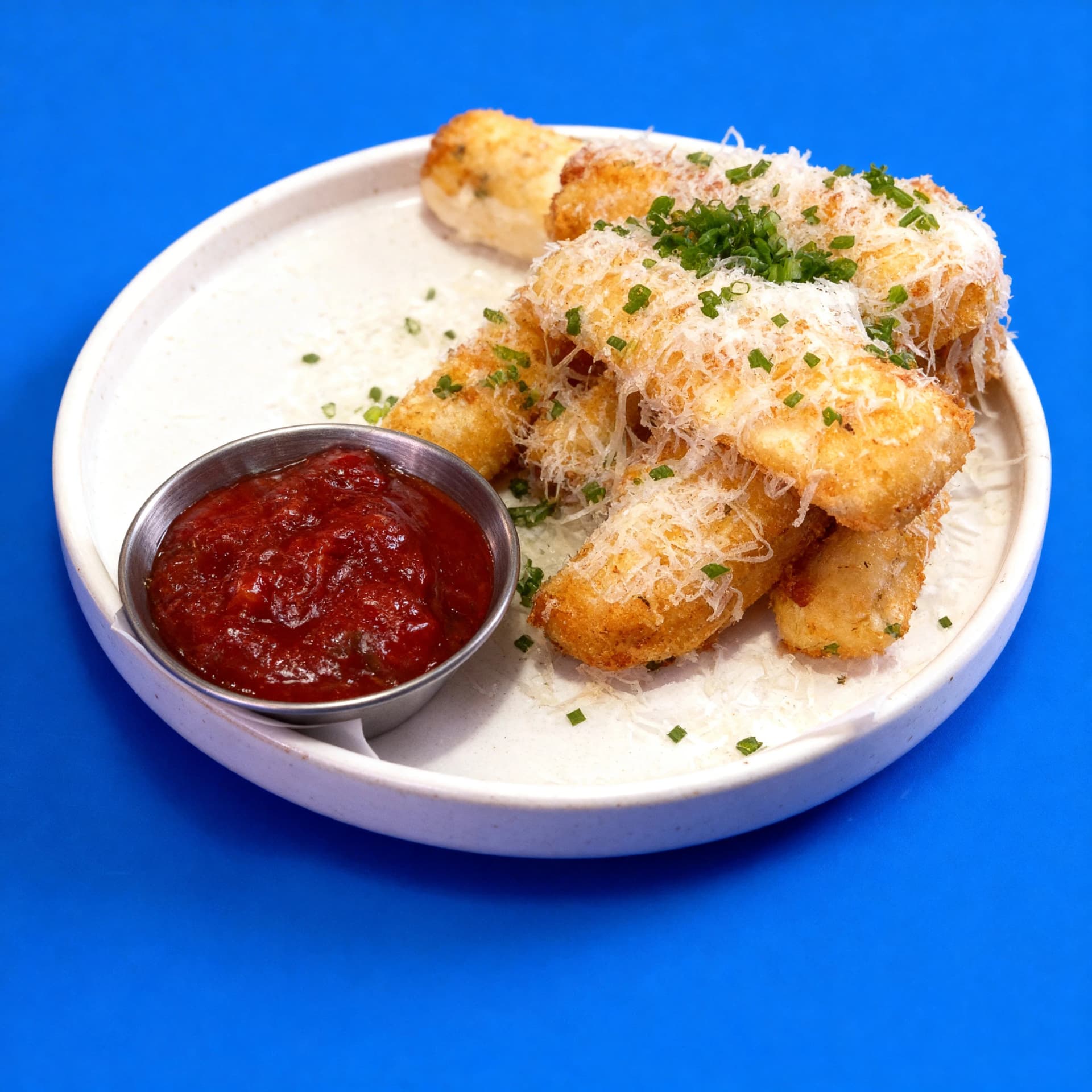
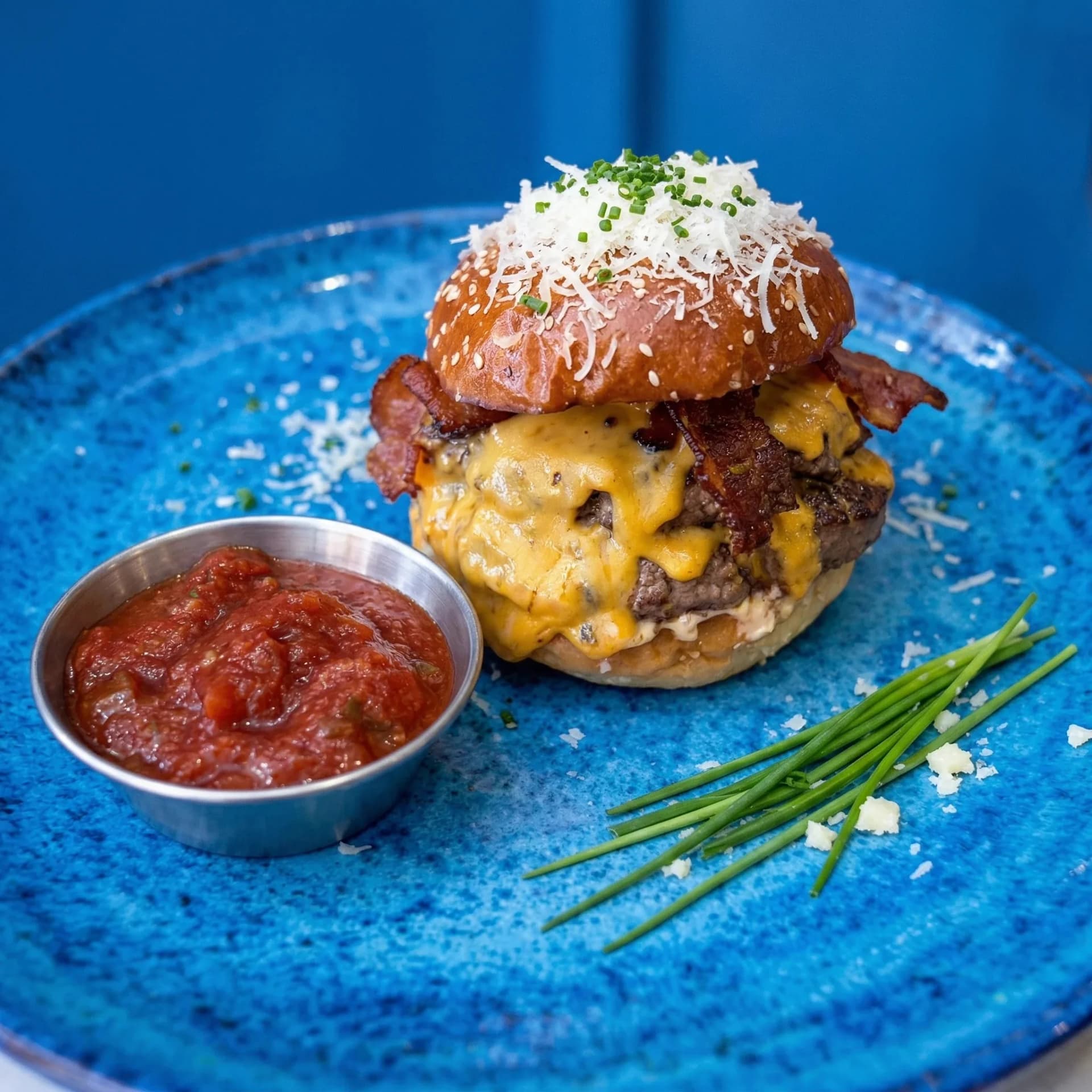
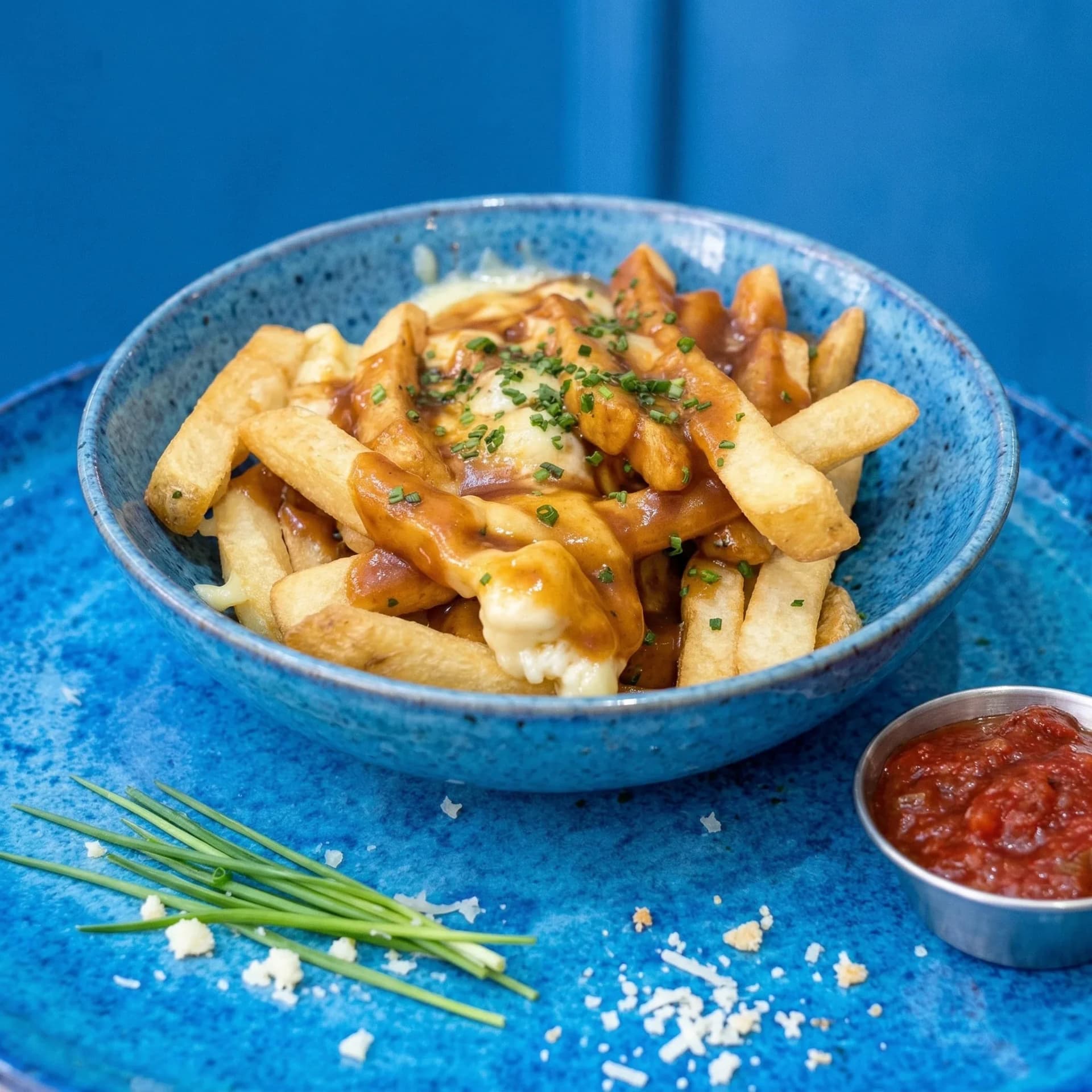
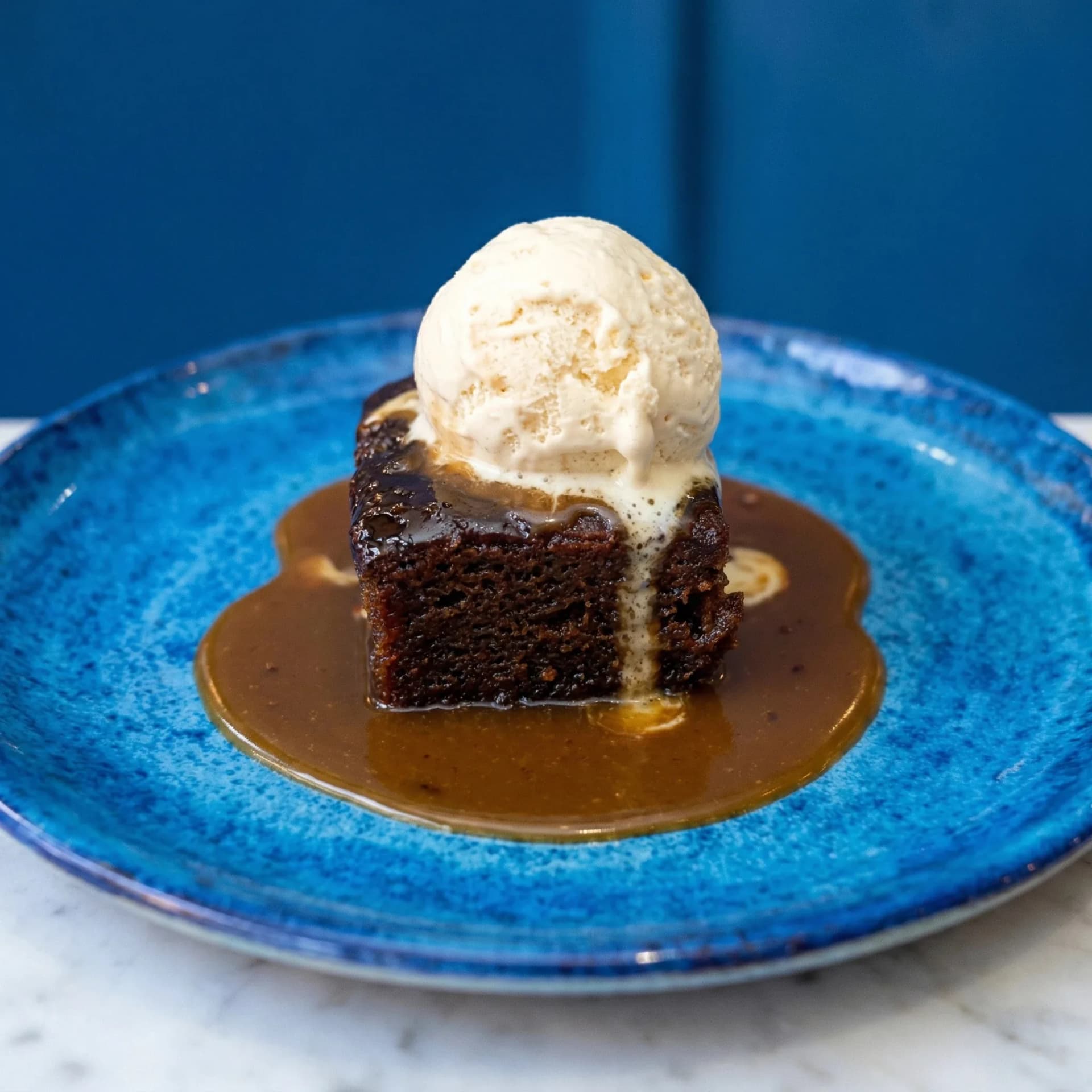
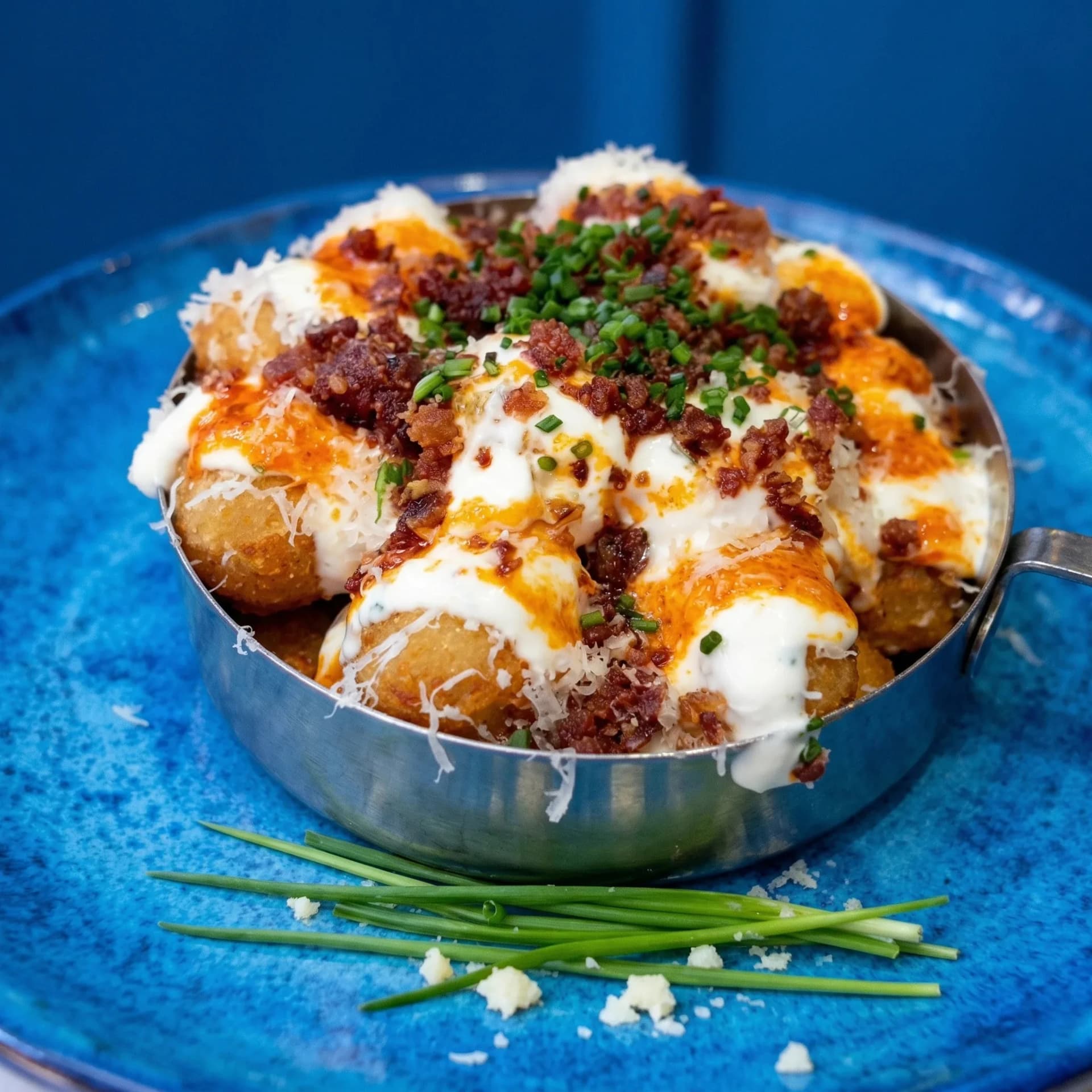
Real platforms · Real results
See it in your world
See how your photos perform across every platform that matters.
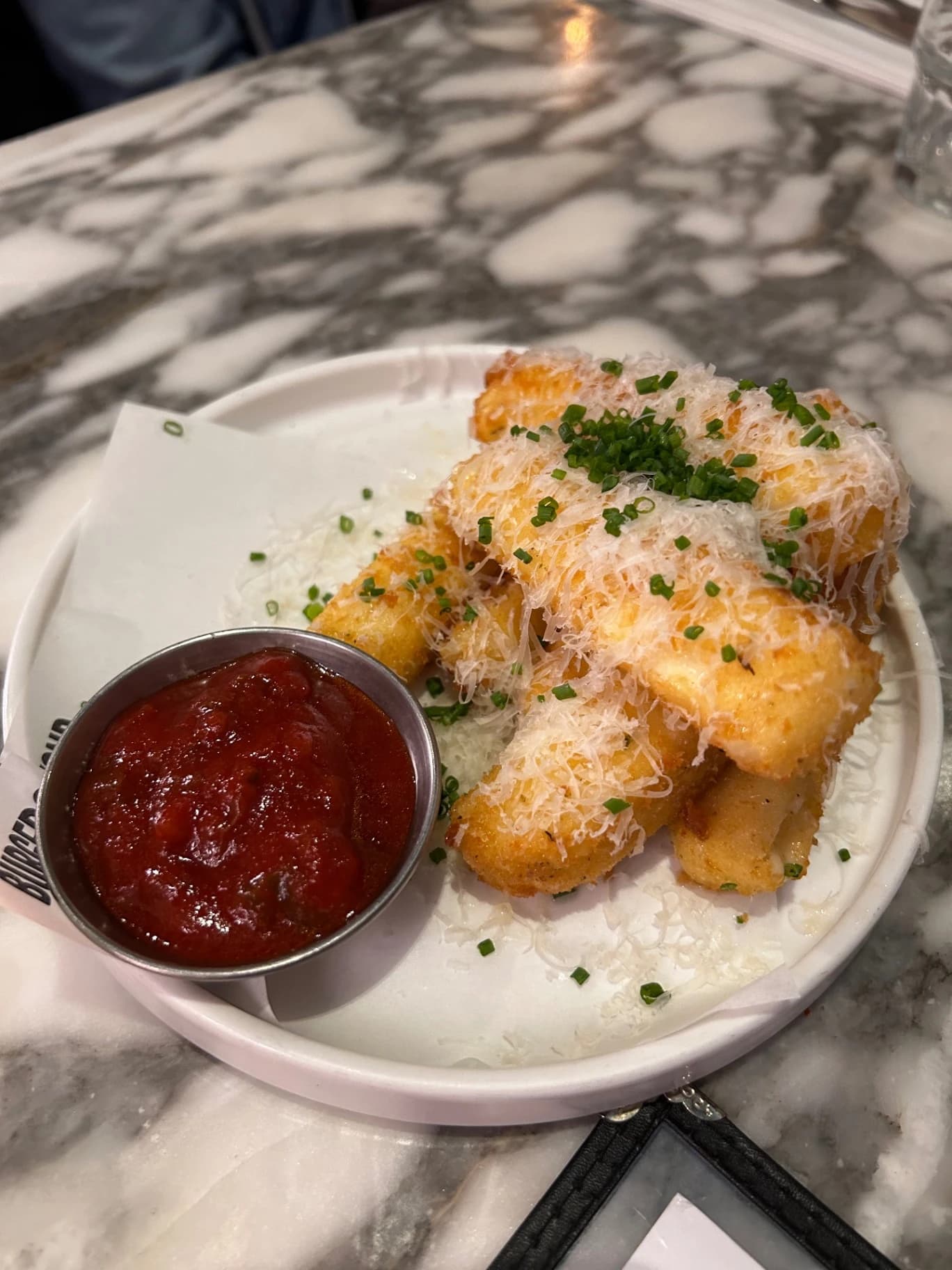
Est. 2018 · London
Welcome to Stack & Co.
Smashed burgers & American comfort food done right
Tonight's Favourites
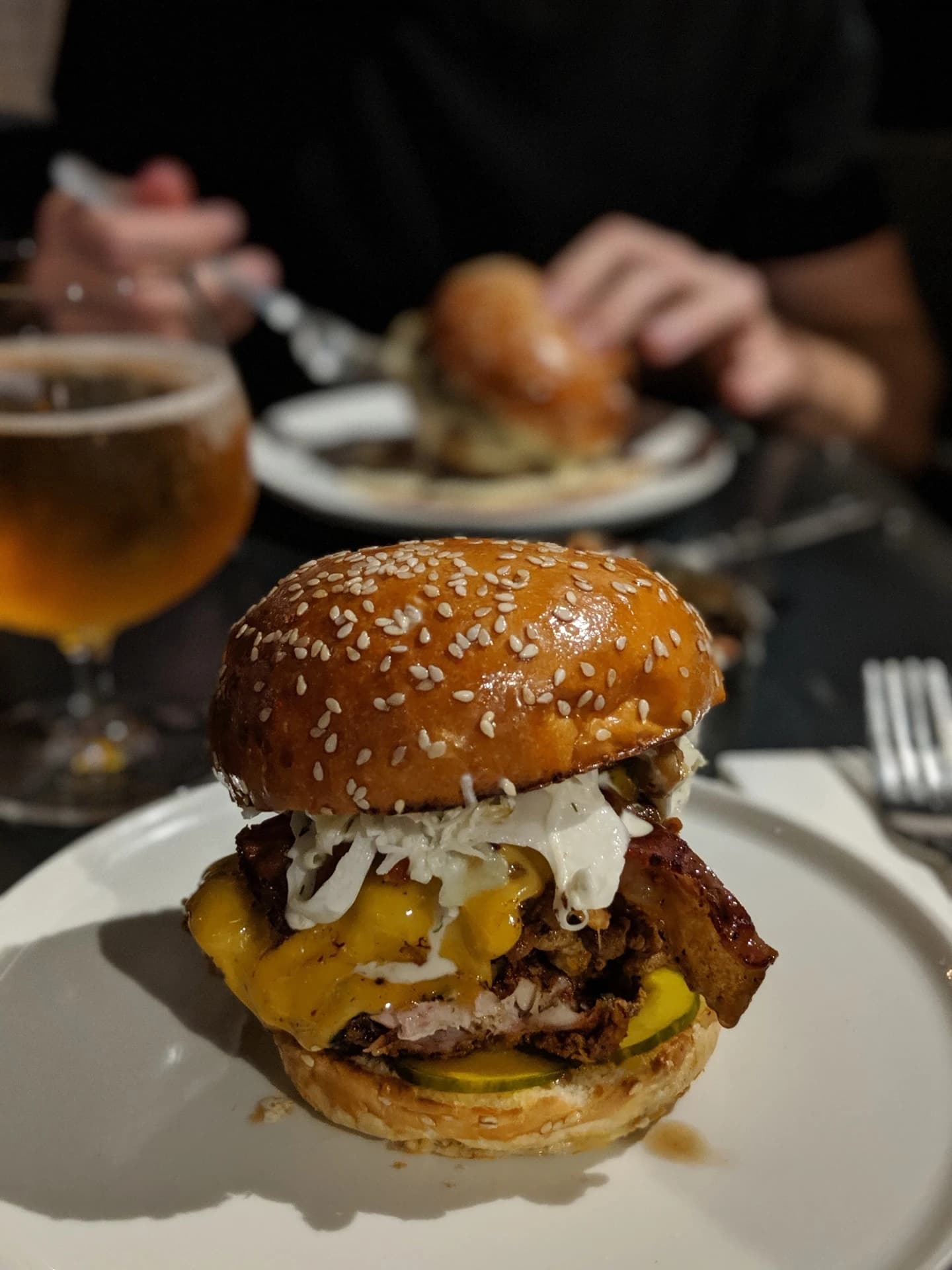
Smash Burger
★★☆☆☆
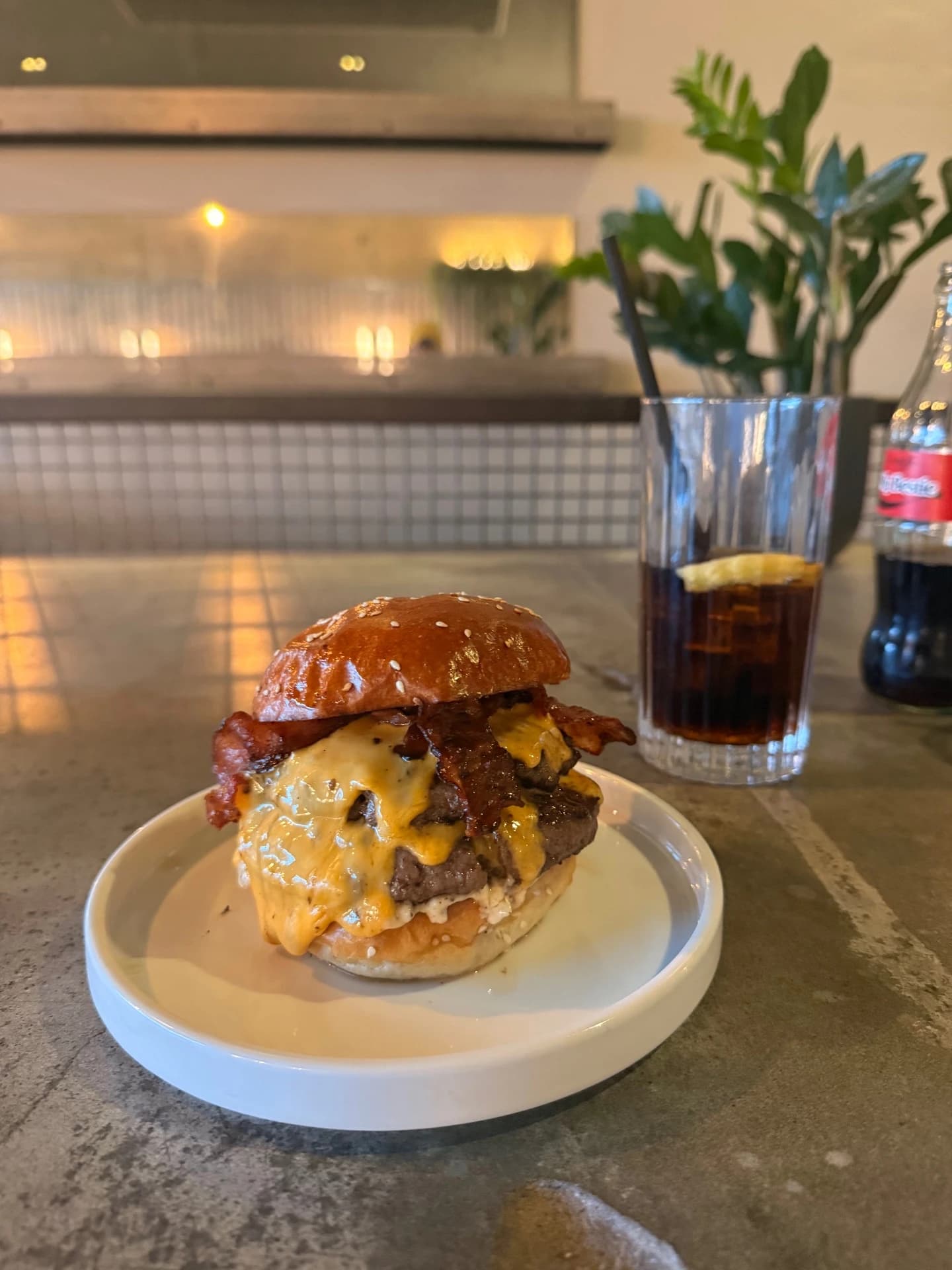
Bacon Cheeseburger
★★☆☆☆
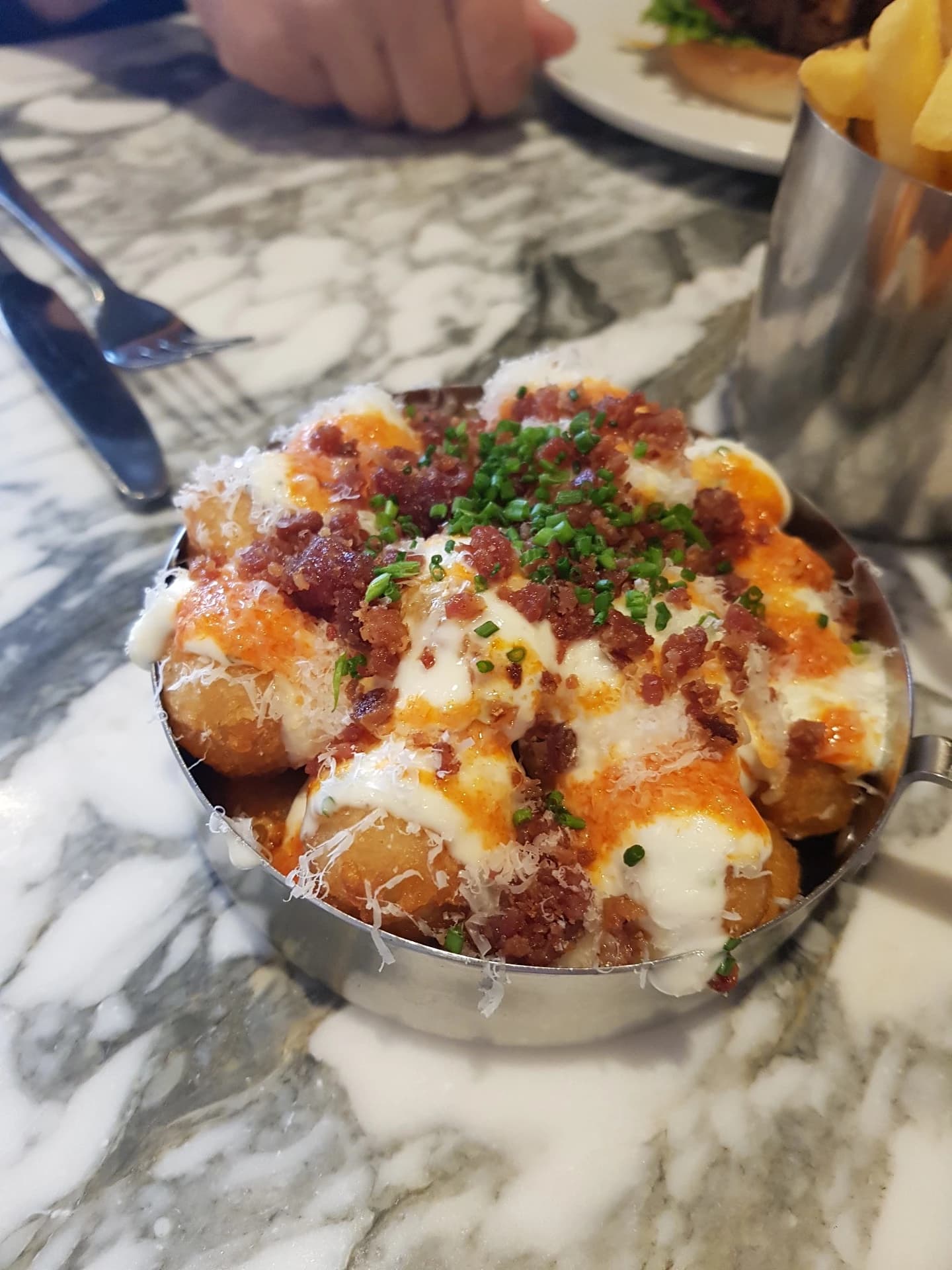
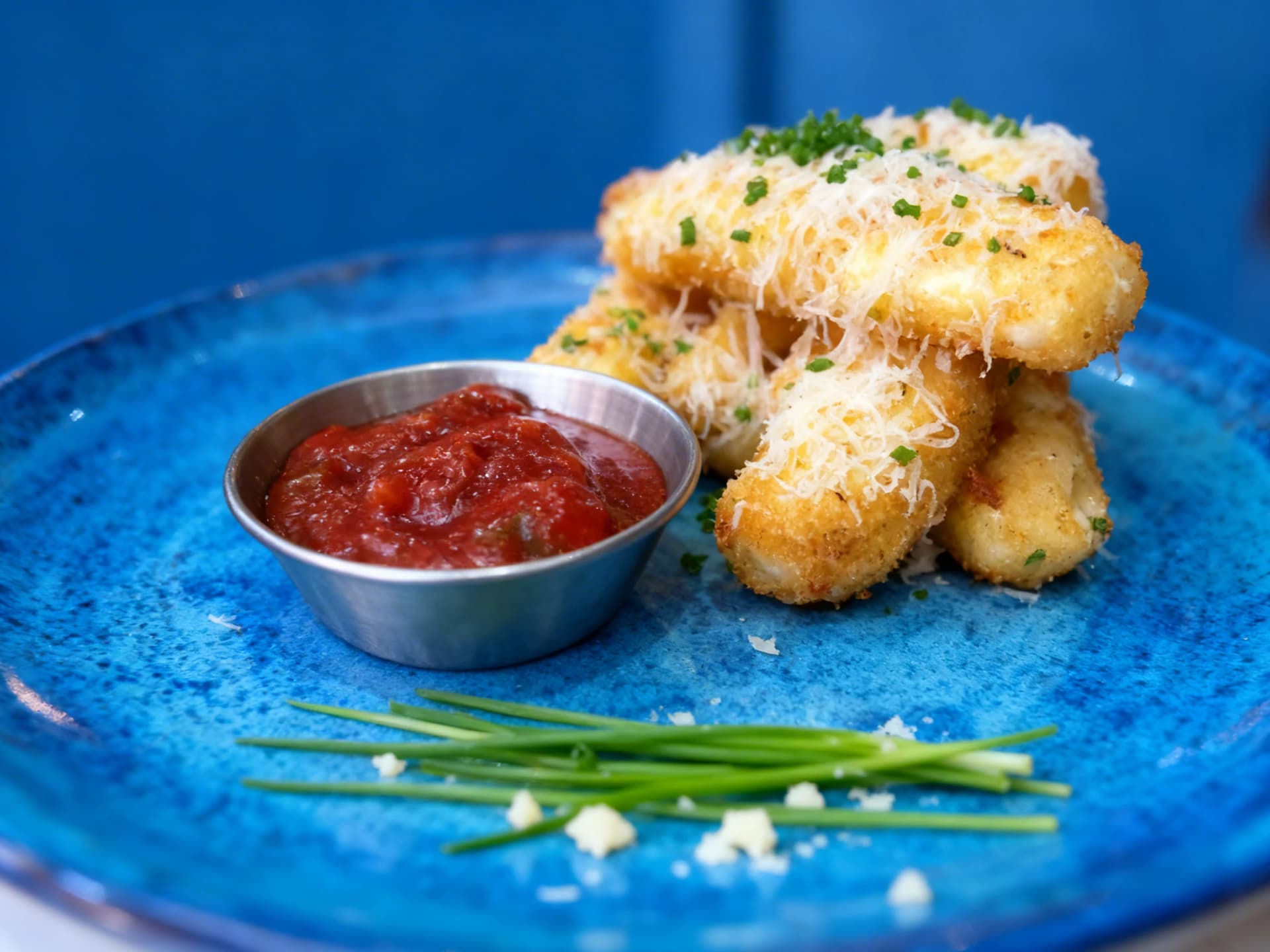
Loaded Potato Bites
★★☆☆☆
Est. 2018 · London
Welcome to Stack & Co.
Smashed burgers & American comfort food done right
Tonight's Favourites
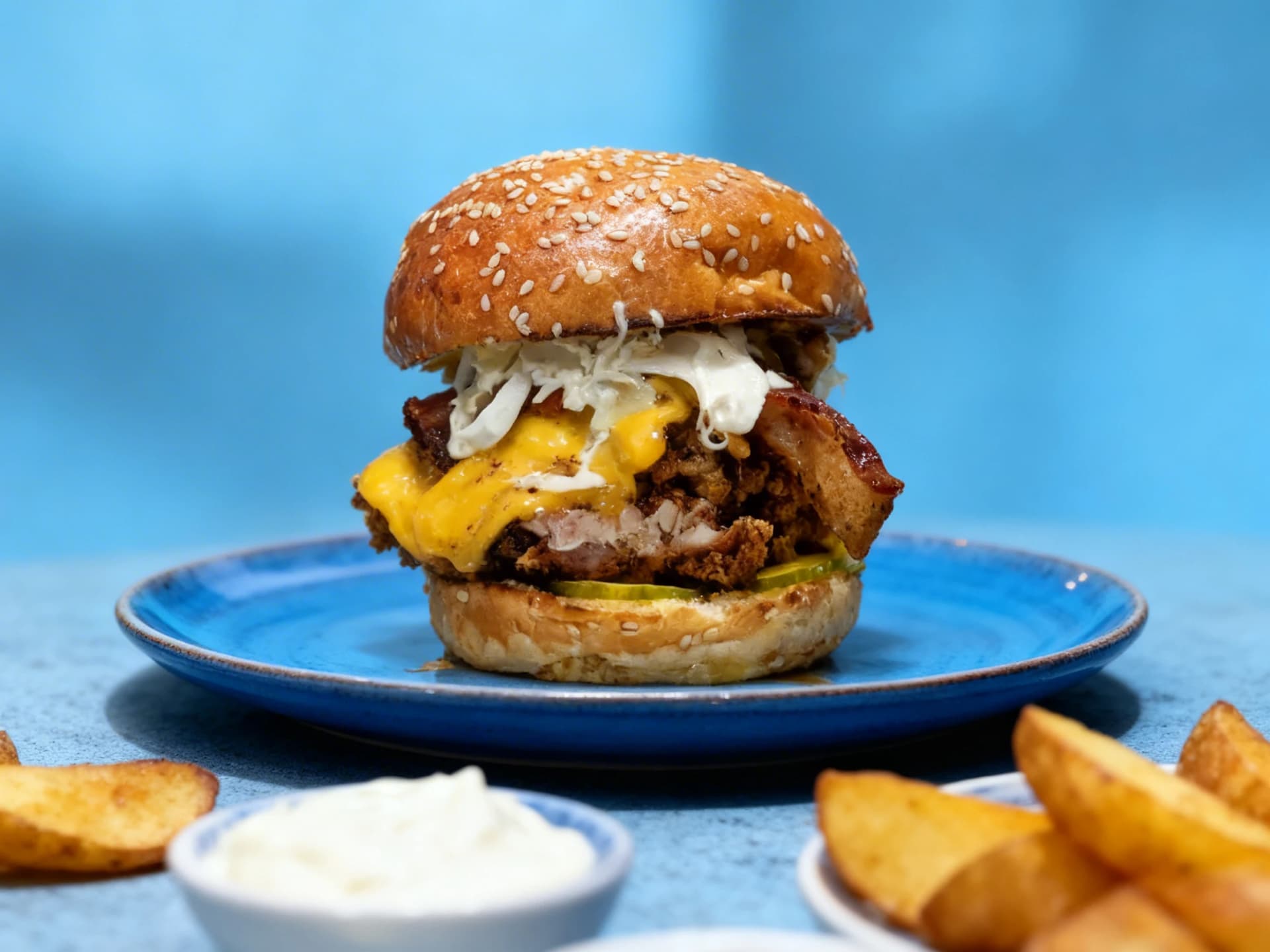
Smash Burger
★★★★★
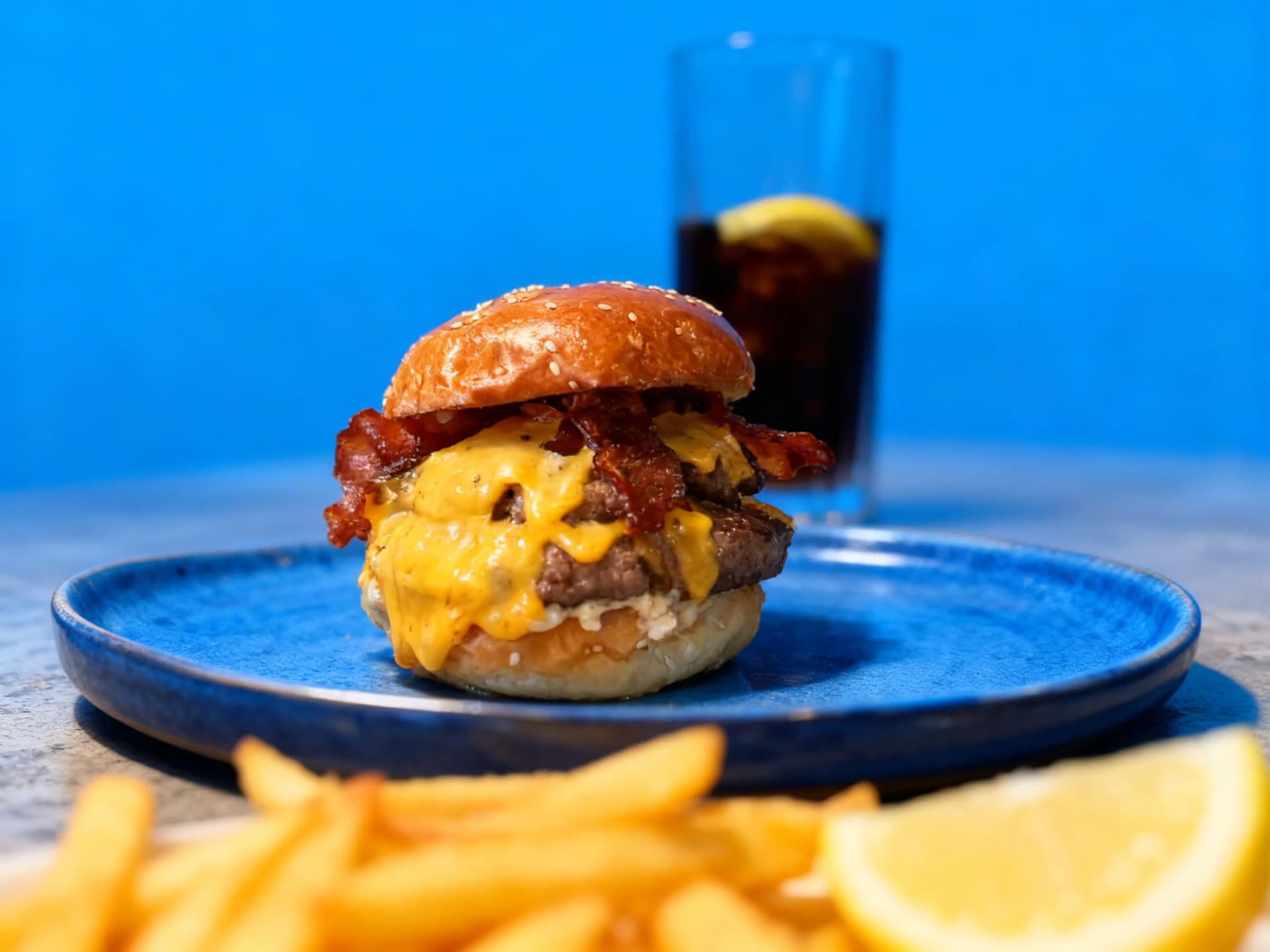
Bacon Cheeseburger
★★★★★
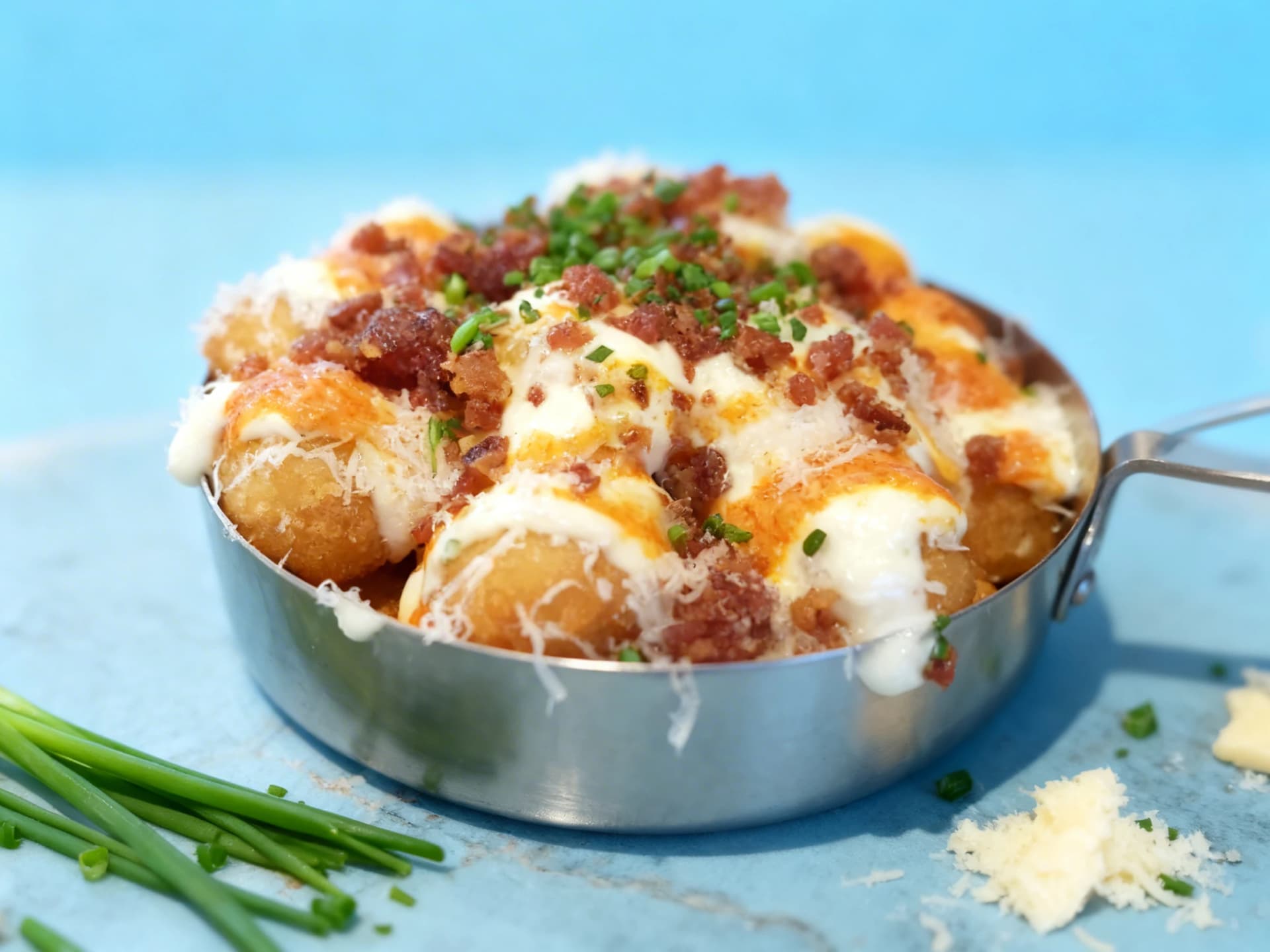
Loaded Potato Bites
★★★★★
Your hero photo is the first thing every visitor sees. It decides whether they keep looking or book elsewhere
5 free credits · No credit card · Results in 30 seconds
The hidden cost of bad food photos
While you focus on great food, poor photos are costing you customers
more orders with photos
Grubhub reports menus with photos and descriptions get up to 70% more orders
Consumers rate photo quality above menu descriptions and reviews when choosing
Menus with photos convert roughly a quarter more browsers into buyers
Professional food photography runs $500-$2,500 per session and is hard to scale
Sources: Grubhub merchant research · Snappr × Google consumer survey
The solution
MenuPhotoAI fixes this in 30 seconds
Turn your existing photos into order-driving images for under $1 each
Edit food photos until they're perfect
Unlike other AI food photo editors, we include 2 free re-edits with every enhancement. Refine your food photos with natural language or point-and-click precision.
Simple Mode
Describe changes naturally
Just type what you want changed - our AI understands natural language
Advanced Mode
BetaPoint-and-click precision
Click directly on the image to mark areas you want to change
No credit card required

Paolo & Shivani
Built by Restaurant Insiders
We've photographed 1,000+ dishes for restaurants. Now we're making that expertise accessible to everyone.
We're Paolo & Shivani. We spent years photographing menus for restaurants across Europe and saw firsthand how expensive professional photography was for small businesses. So we built an AI that does it for a fraction of the cost.
“Your food is real. Your photos should be too. We enhance what you've got. We never generate fake images.”Read our full story
From phone photo to menu-ready
Your actual food, professionally enhanced in under a minute
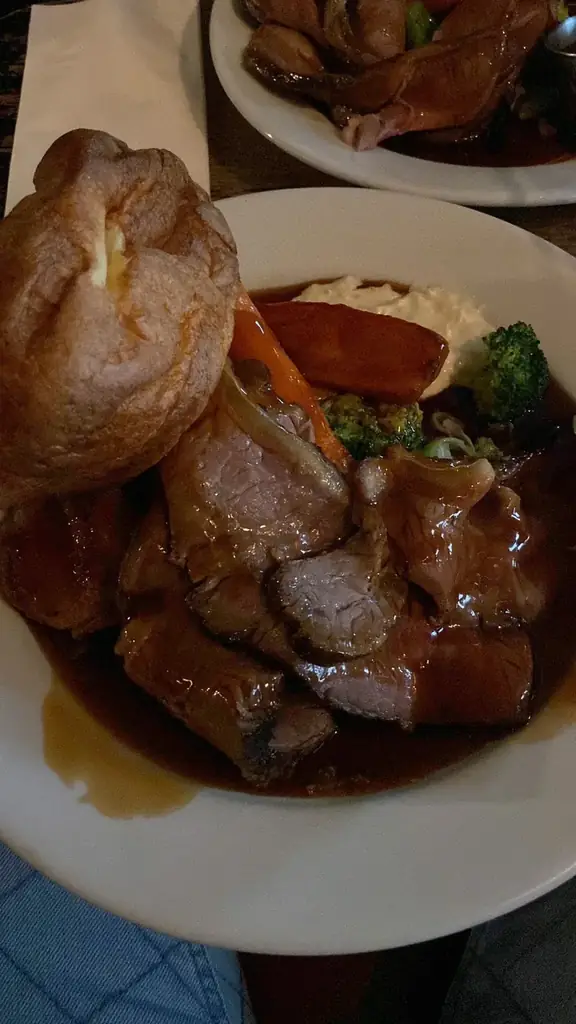
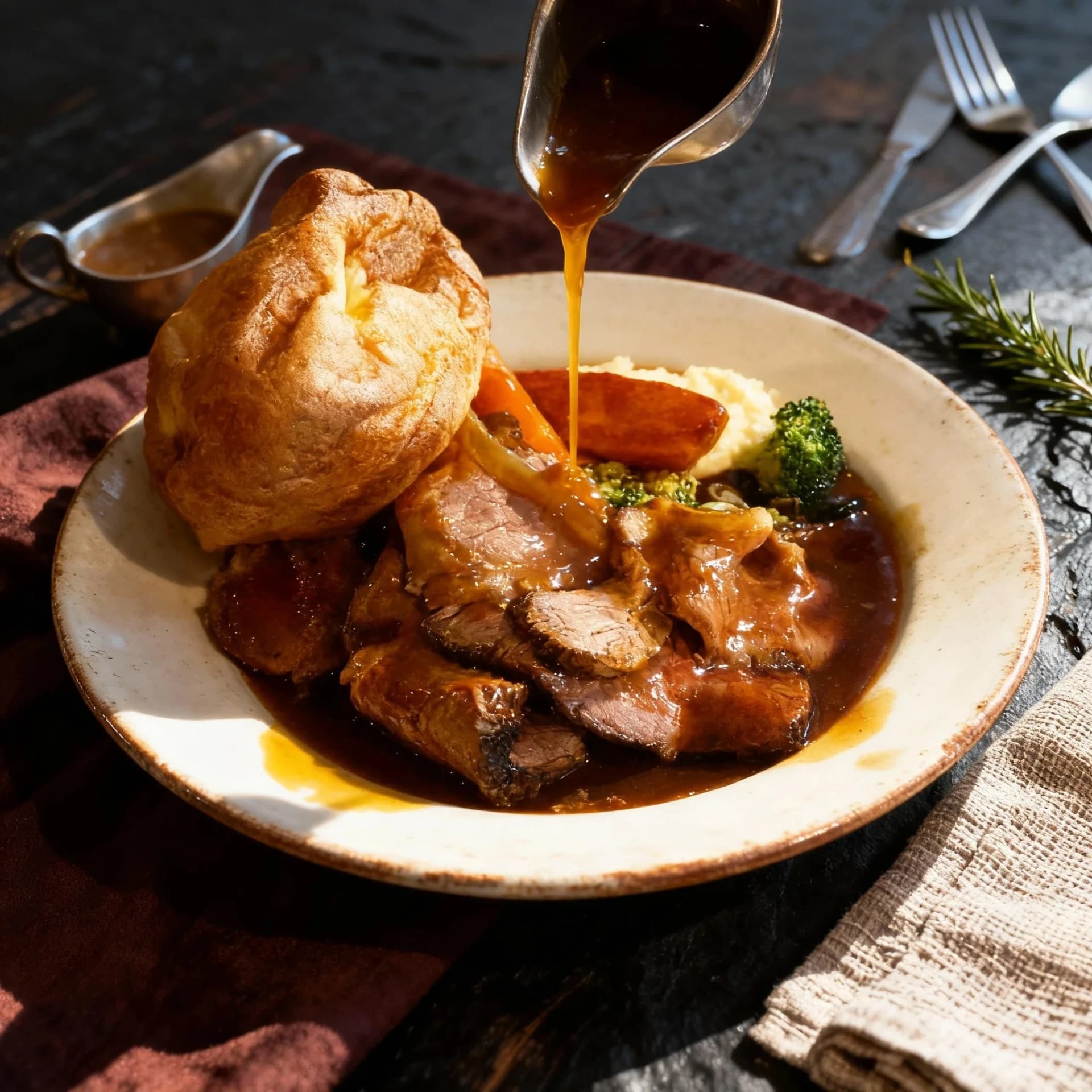
Upload
Drop your phone photos, any quality.
5 seconds
Enhance
AI fixes lighting, background & color.
~30 seconds
Download
Ready for delivery apps, web & social.
Instant
No credit card required
Every dish, transformed
Real photos, professionally enhanced. Browse the full range of styles.
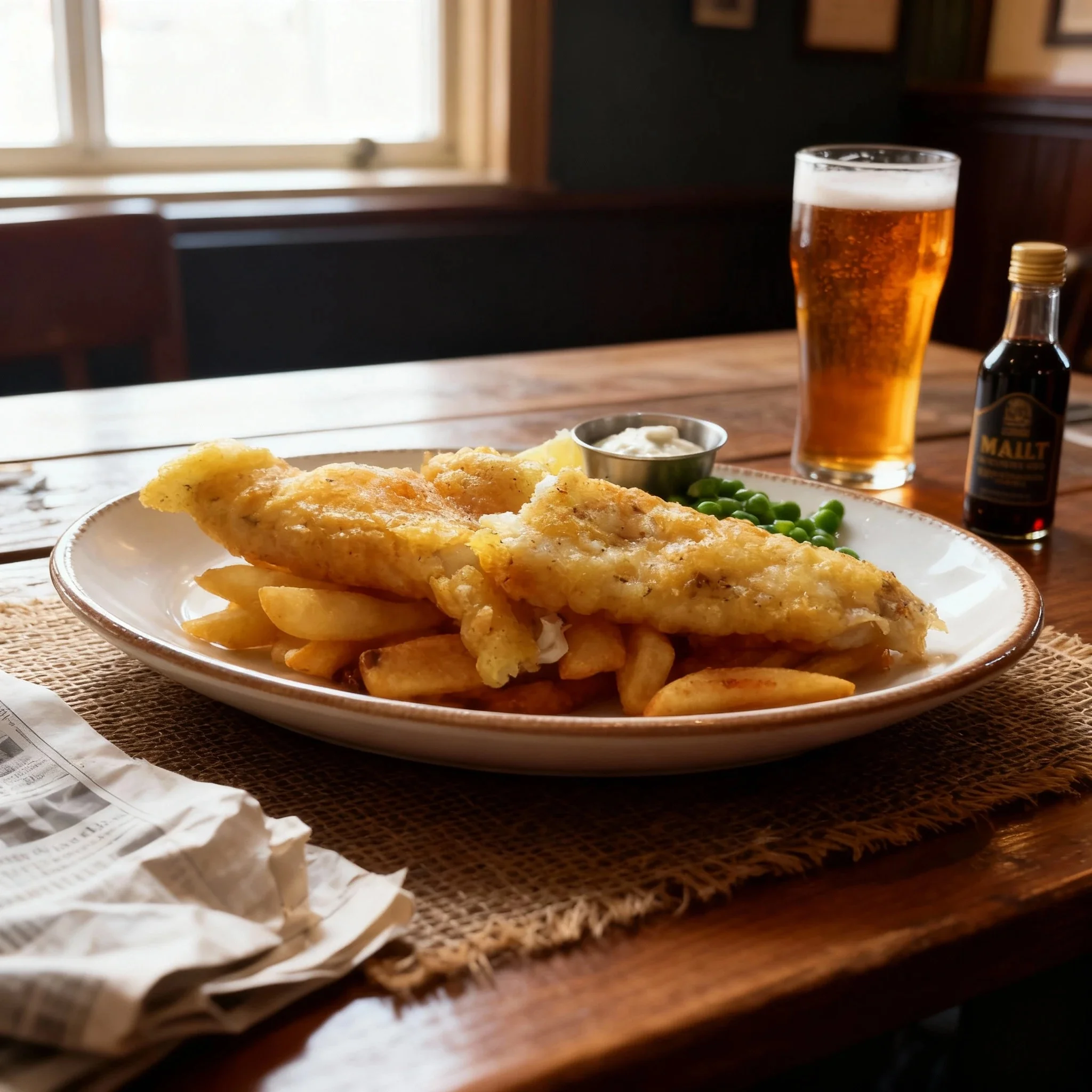
Lifestyle & Environmental
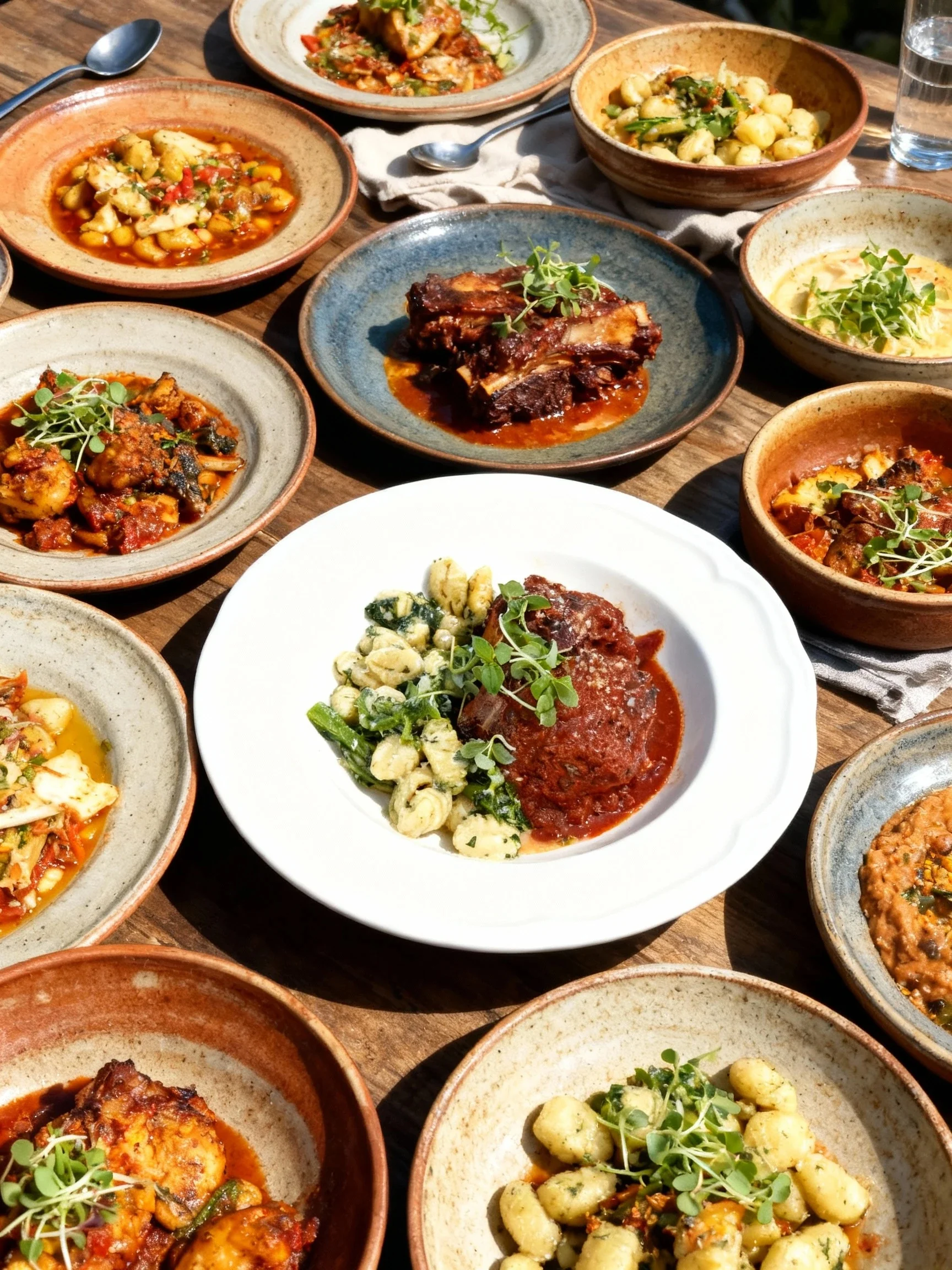
Abundant Feast
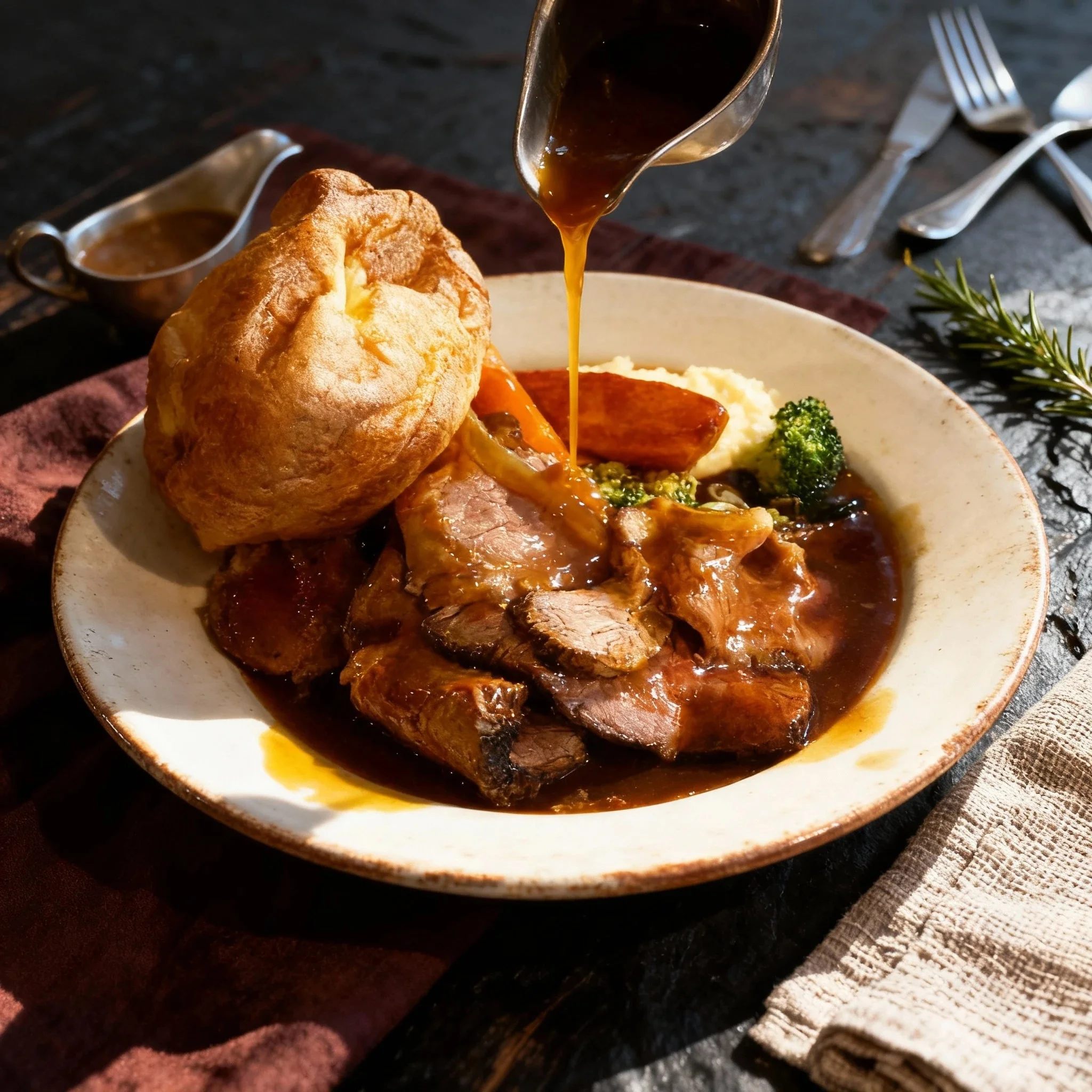
Messy & Indulgent Action
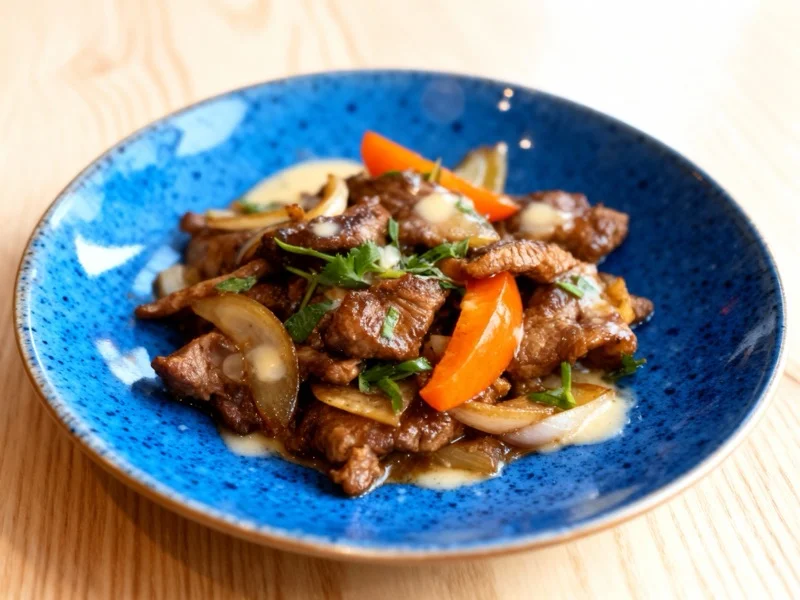
Magazine Vibrant Plate
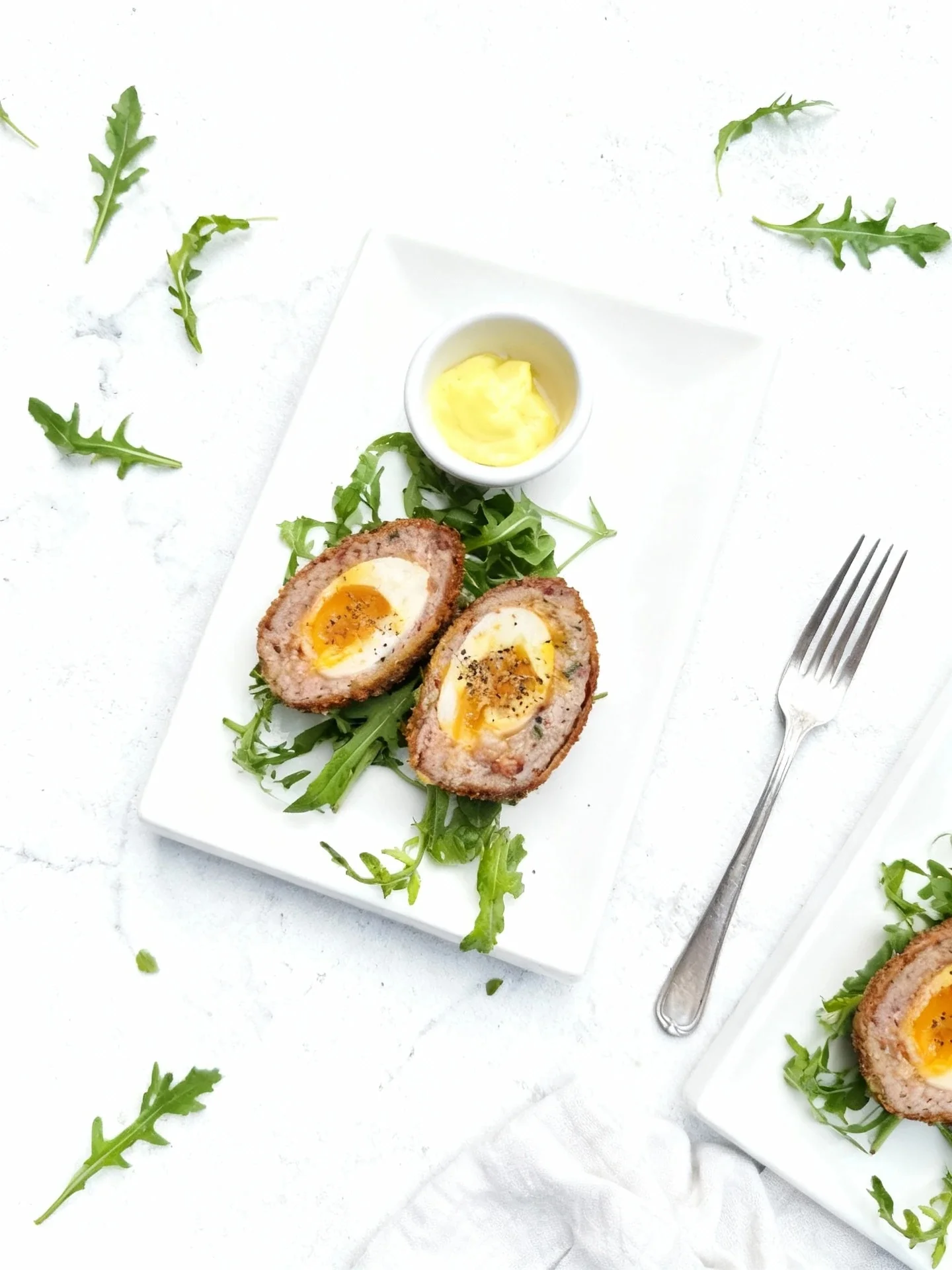
Bright & Clean Flat-Lay
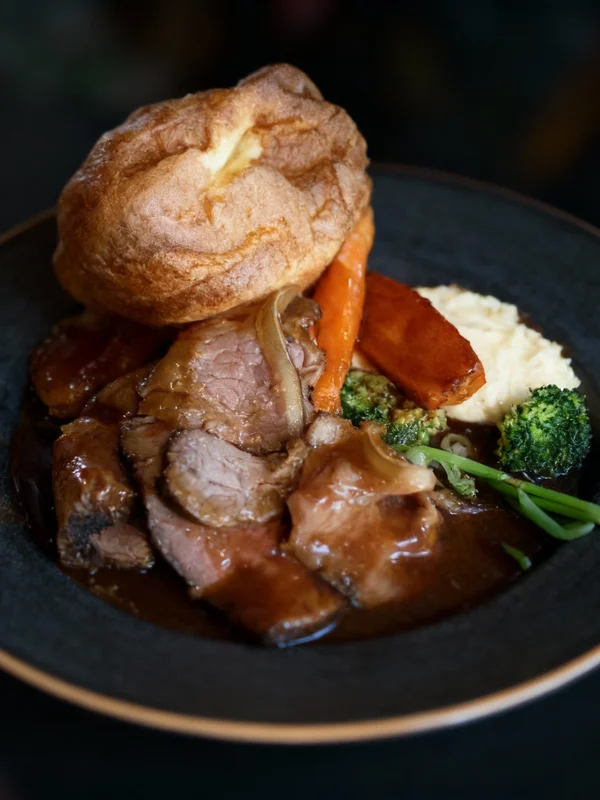
Dark Elegant Overhead
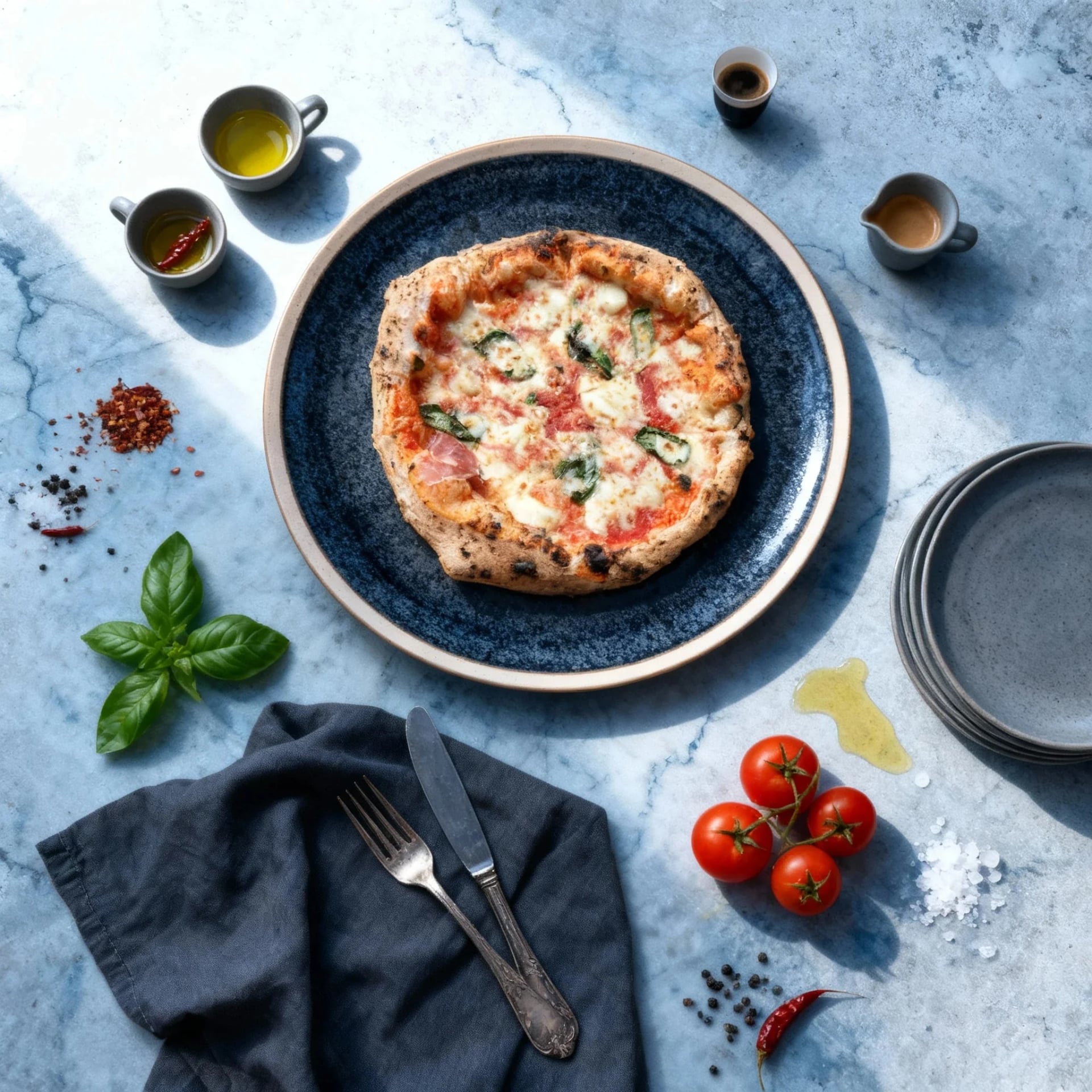
Bright & Elaborate Flat-Lay
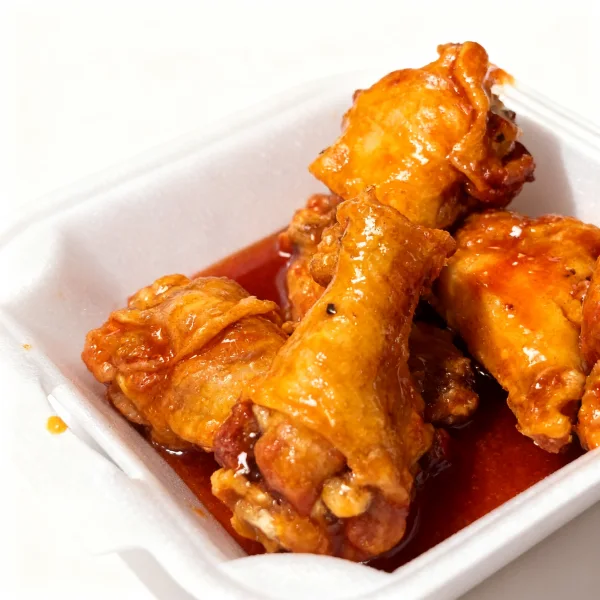
Bright Punch
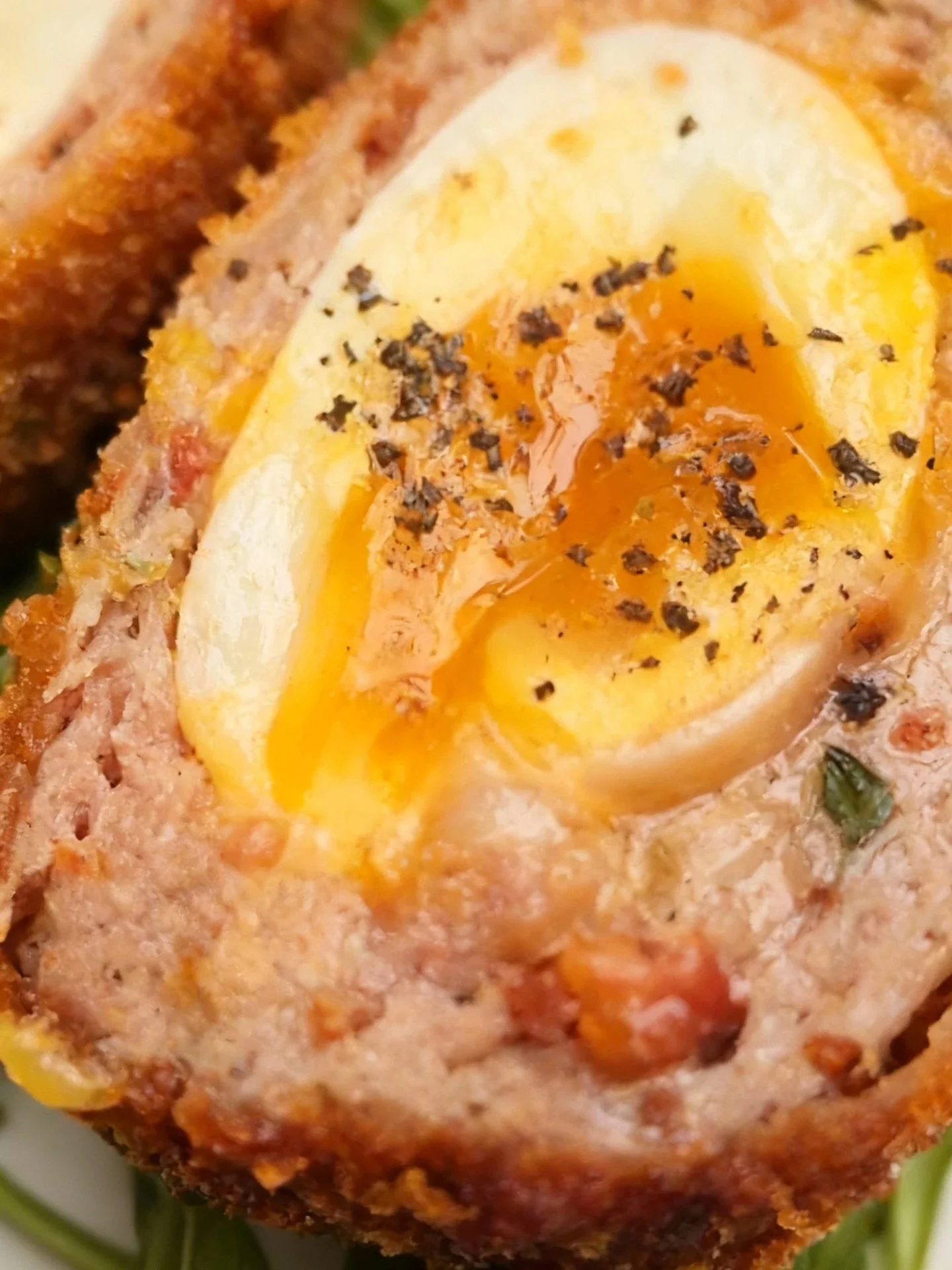
Macro & Extreme Close-Up
Golden Hour
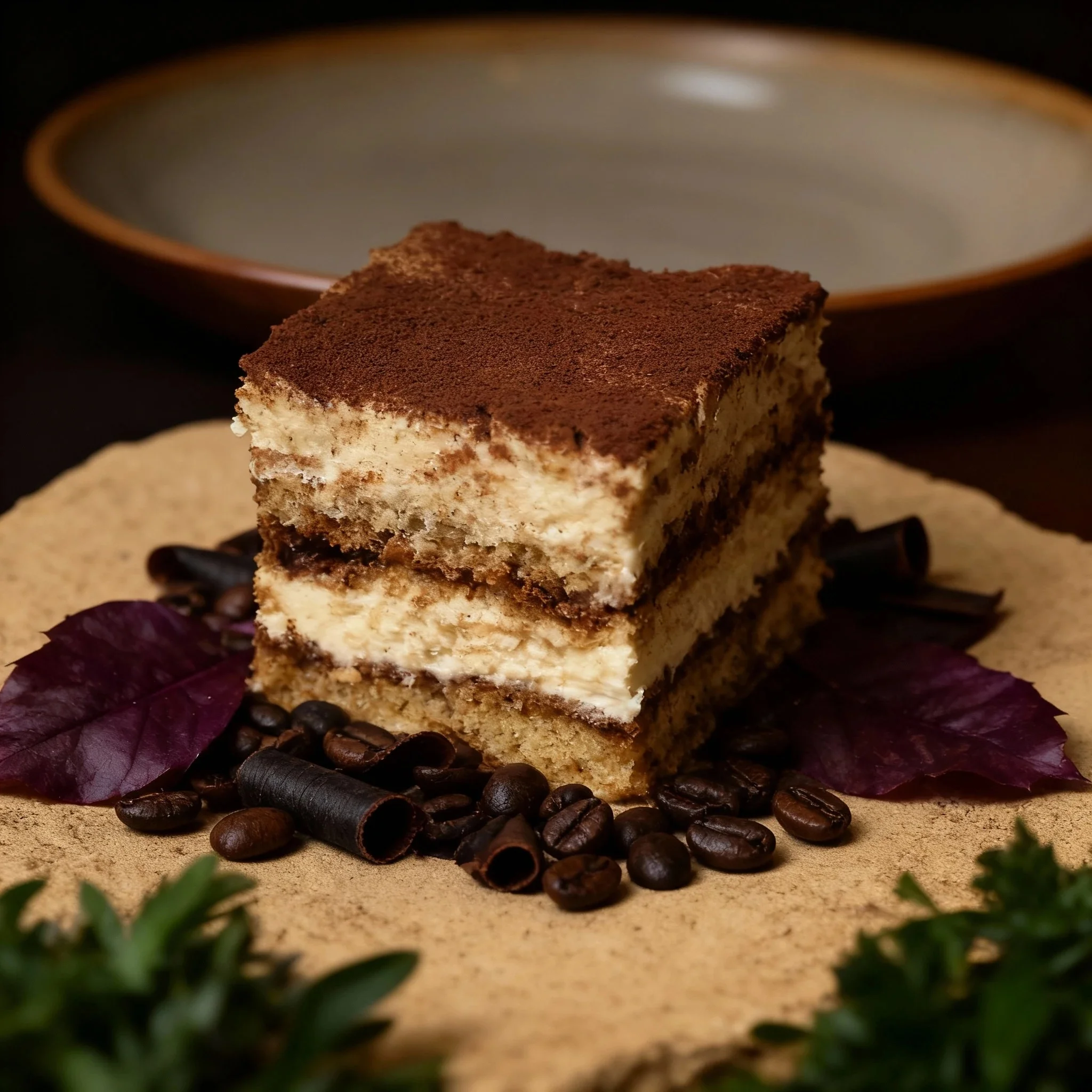
Dark Minimalist Close-Up
Signature Dark
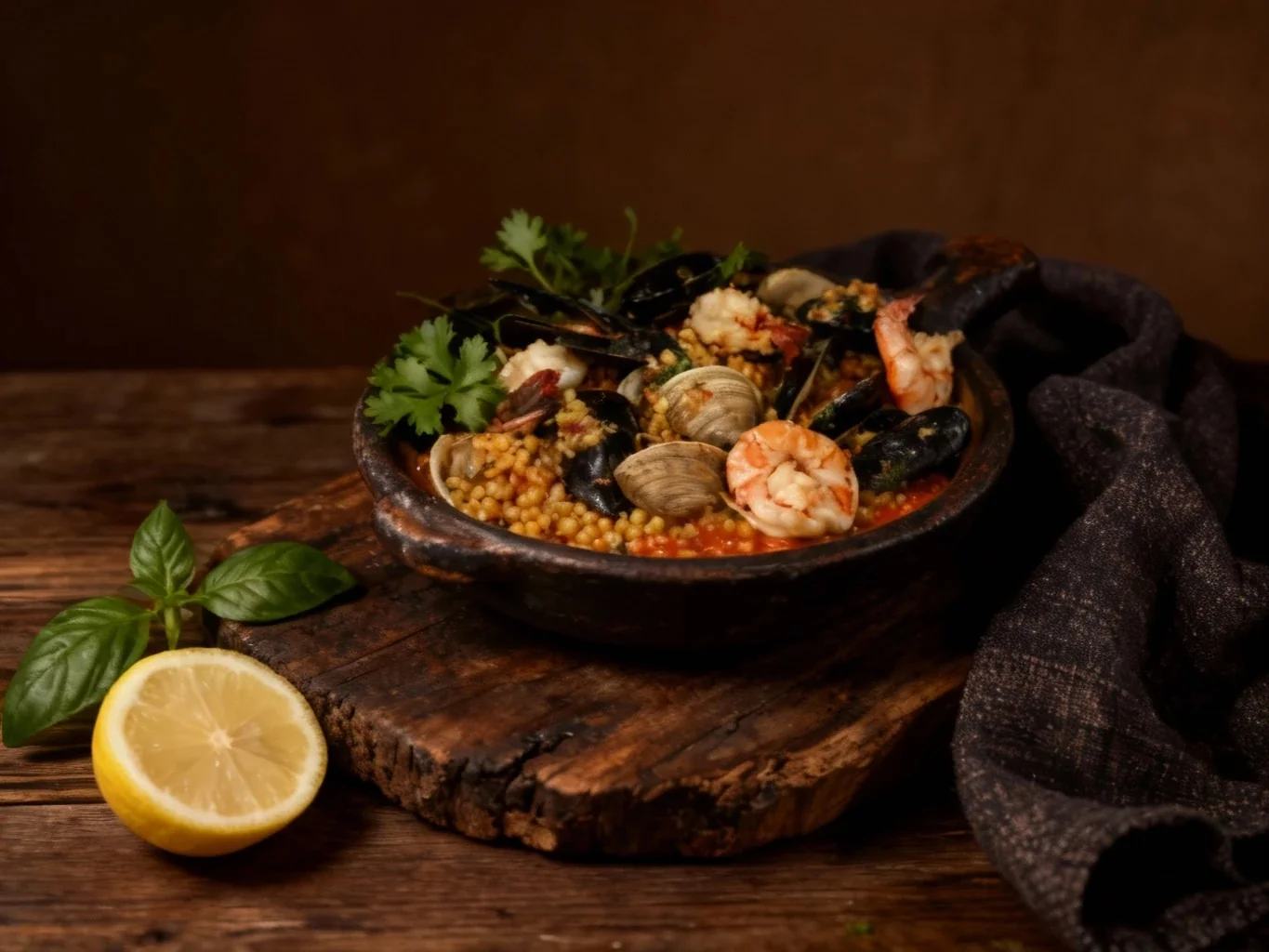
Dark & Rustic Still-Life
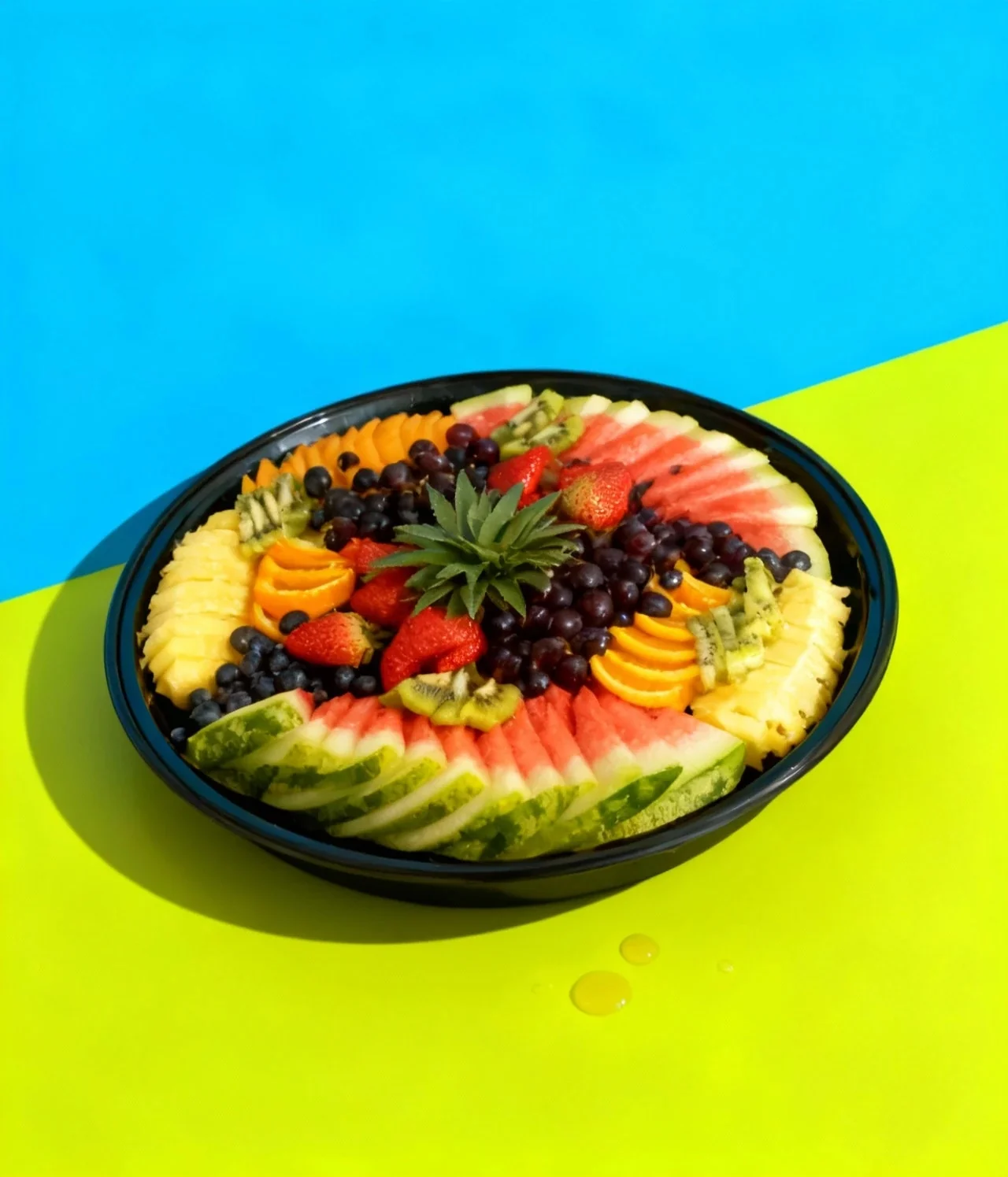
Bold & Minimalist Studio
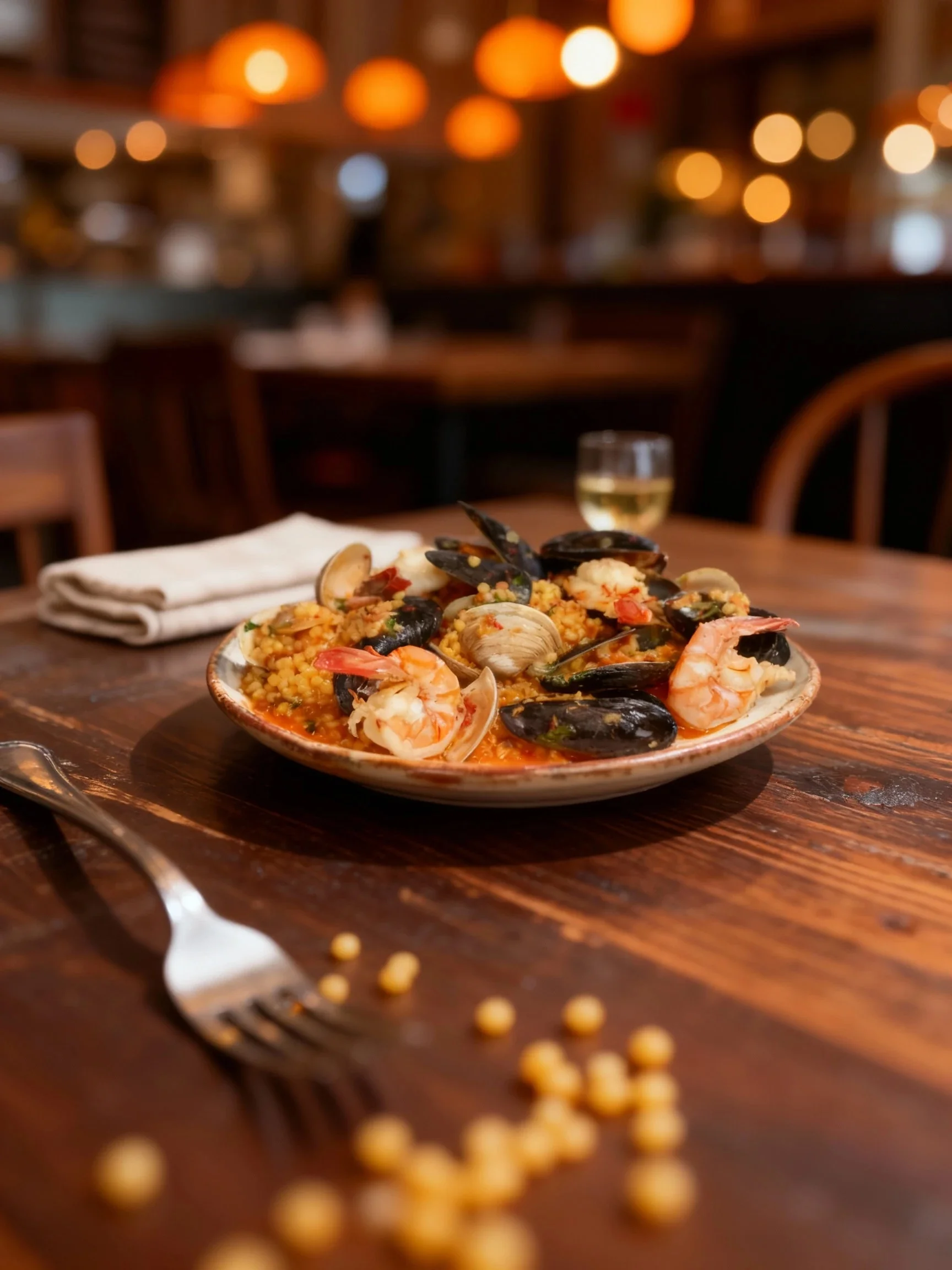
Candid & Warm
Natural Hero Shot
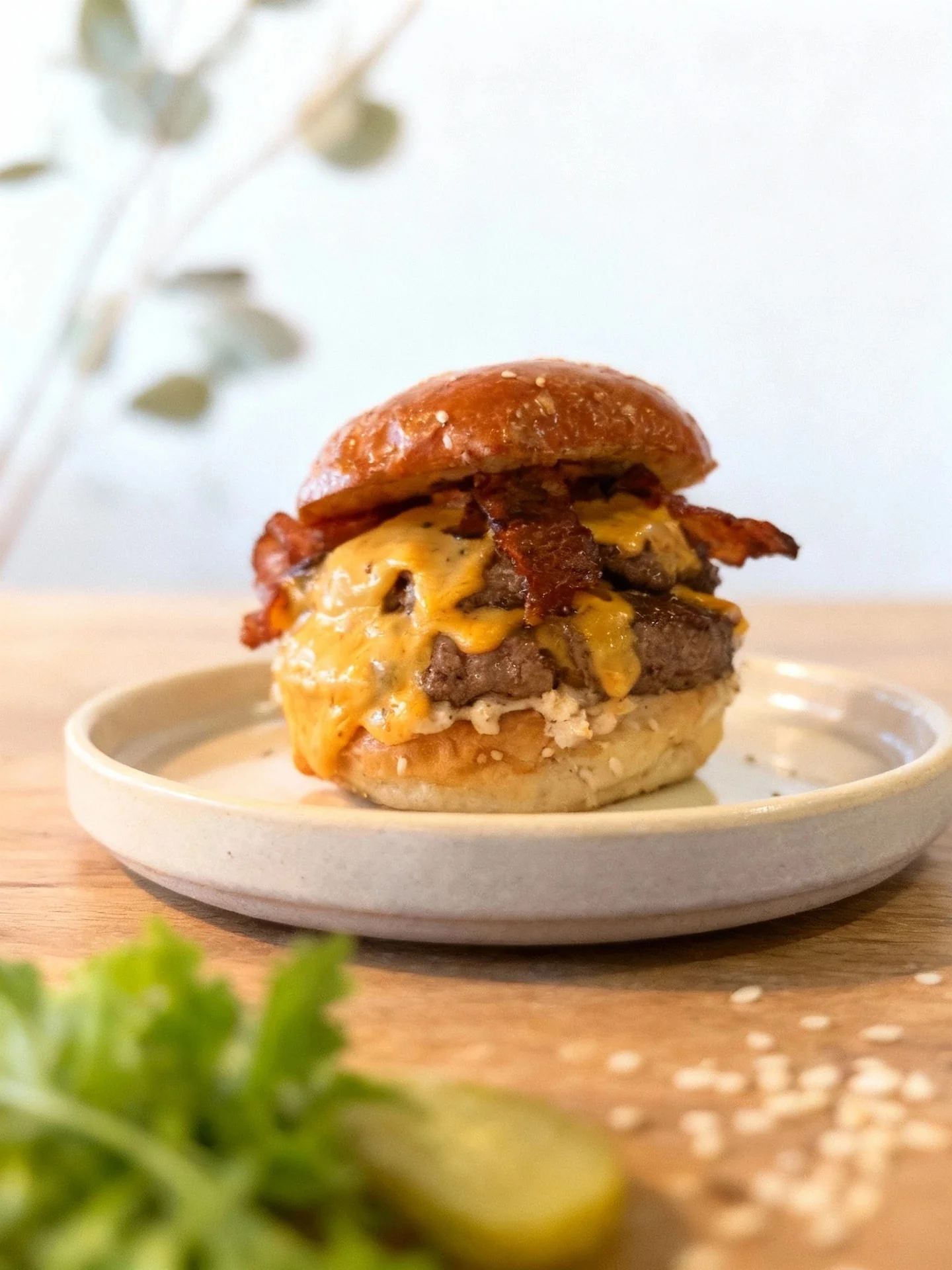
Natural Light
Bright Hero Shot
AI Food Photo Editor Questions
Everything about free online food photo editing
Can I refine photos after the initial enhancement?
What can I change with re-edits?
What is an AI food photo editor?
Is the AI food photo editor really free?
Do I need to download software to edit food photos?
How is AI food photo editing different from Photoshop?
What editing features does the AI food photo editor include?
Can I edit multiple food photos at once?
What file formats can I upload for food photo editing?
Is AI food photo editing good for restaurants and businesses?
How long does AI food photo editing take?
Can beginners use the AI food photo editor?
Does the AI food photo editor work with poor quality images?
Do AI-edited photos look artificial or fake?
Does the AI editor alter the actual food in photos?
Related tools
- AI food photo enhancerOne-click quality boost for real menu photos, authenticity preserved.
- AI food image generatorCreate professional menu images from your own dishes.
- AI food photography hubThe overview: what AI food photography is and which tool fits your goal.
- Best AI food photography tools in 2026Compare the leading tools and pick the right one for your restaurant.